About Blue Lock
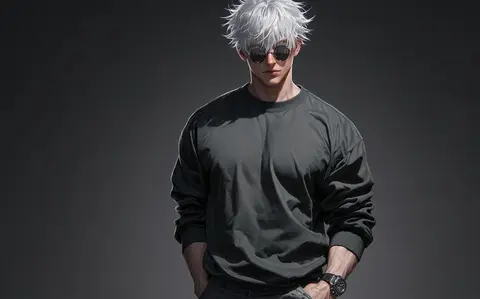
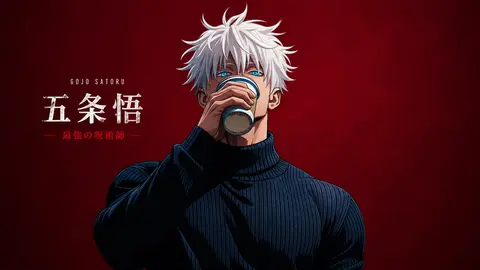
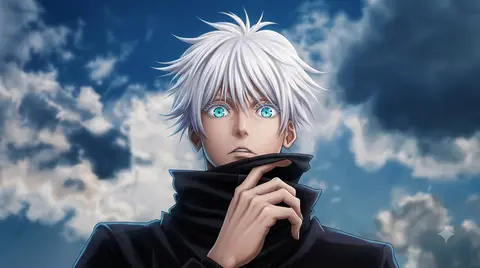
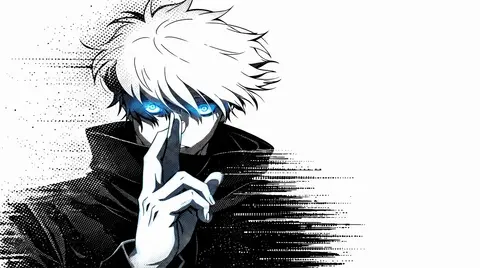
Blue Lock wallpapers bring the soccer anime's sharp, high-contrast art style to your screen. The clean, dynamic design in this collection stands out on both portrait phone displays and widescreen monitors. Expect intense character art that captures the competitive energy the series is known for.
More wallpapers of this character and series are added as the gallery grows.
- Blue Lock is a soccer anime known for its intense, stylish character art.
- Bold, high-contrast artwork like this works well on dark-mode desktops.
- The collection features character art that captures the competitive intensity of the series.
About this anime wallpaper
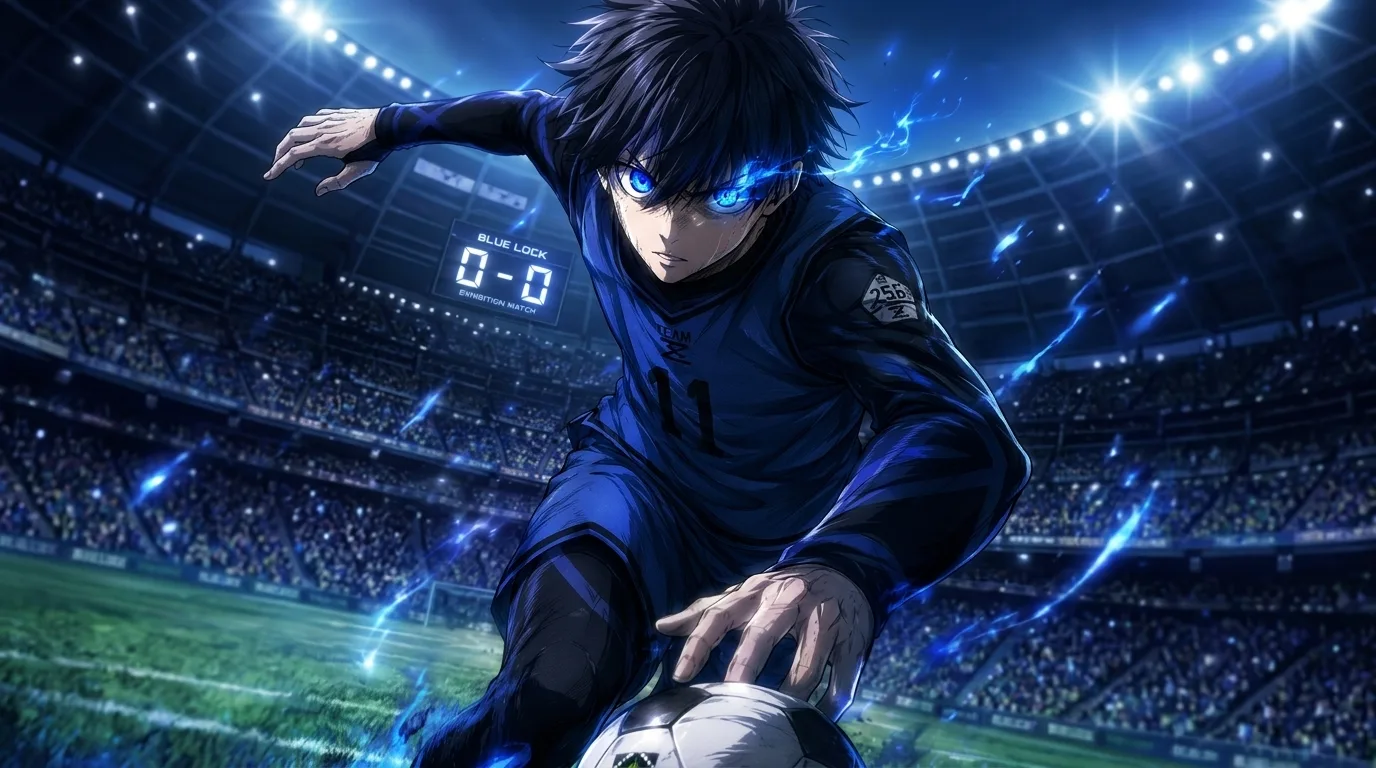
Isagi Yoichi is captured mid-action in an explosive match, eyes glowing blue as energy trails arc around him. The packed stadium and bright floodlights in the background add genuine atmosphere, grounding the character in a real moment rather than floating in abstract space. The dynamic lines keep your eye moving across the frame.
The floodlights and blue energy effects occupy the upper half of the composition, so clustering desktop icons toward the lower edges keeps things tidy. On a phone the central figure reads immediately, and the bright highlights give the lock screen real presence. AMOLED panels handle the contrast between the blue accents and dark stadium well.
This is for the sports anime fan who wants intensity rather than a posed character shot. The blue-heavy palette pairs naturally with a cool-toned desktop theme or a dark browser setup. A good companion to a Blue Lock episode-watch session where you want the mood to carry through.
How to set this wallpaper on your device
On iPhone or iPad
- Tap Download original above, or choose Mobile sizes for an iPhone-optimized pack.
- Save the image to your Photos app.
- Open Photos, tap the image, then tap Share → Use as Wallpaper.
- Pinch to adjust the position, then tap Set and choose Lock Screen, Home Screen, or Both.
On Android
- Download the wallpaper by tapping Download original or Mobile sizes.
- Open the image in your gallery app.
- Tap the menu (three dots) and select Set as wallpaper.
- Choose Home screen, Lock screen, or both, then confirm.
On Windows
- Download the wallpaper — tap Desktop sizes for a 1080p, 2K or 4K version.
- Right-click the downloaded file and select Set as desktop background.
- Alternatively, go to Settings → Personalization → Background and browse to the file.
On macOS
- Download the wallpaper — tap Desktop sizes for a resolution-matched version.
- Open the image and right-click, or open System Settings → Wallpaper.
- Select Set Desktop Picture and choose your display.
Not sure which size to pick? The original download works at any resolution, but for the sharpest result match your screen. Our upscale guides walk through exact resolutions for every popular device, or use the Pinterest image upscaler to generate custom sizes from this or any other image.
Why this wallpaper works on your screen
The image is widescreen 16:9 at 1376×768, and its dominant tones lean midnight blue — a good match for a 16:9 laptop, desktop monitor or smart TV. Widescreen wallpapers like this one sit cleanly on monitors and laptops without letterboxing or stretching. If your display is 4K, you can upscale this image for even sharper detail using the desktop sizes preset. Tap Desktop sizes to generate exact resolutions for your device without any cropping, or paste it into the Pinterest image upscaler for custom sizes.
Understanding this wallpaper's dimensions
This image measures 1376 pixels wide by 768 pixels tall, giving it a 1.79:1 aspect ratio.Being wider than it is tall, it's a landscape-oriented image — the standard format for desktop and laptop monitors where the horizontal axis is longer.
The file is a JPEG at 697 KB, which meansit's a moderate size — a good balance between image quality and download speed.
If you need this wallpaper at a different resolution — say, a specific iPhone model or an ultrawide monitor — the image upscaler can generate every common device size from this image in one download. The upscaled versions use the original as the source and fit it inside each target frame without cropping.