Pinterest wallpapers that fit your screen.
Free wallpapers for mobile and desktop, sized to your device. Every image downloads at exact mobile and desktop resolutions — 4K, iPhone, Android, laptop and ultrawide. No accounts, no watermarks, no clutter.
Free forever · No account required · 93 wallpapers and counting
Hand-picked
Featured wallpapers
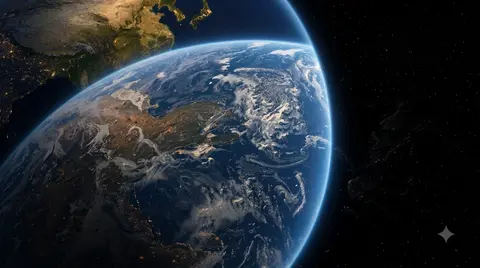
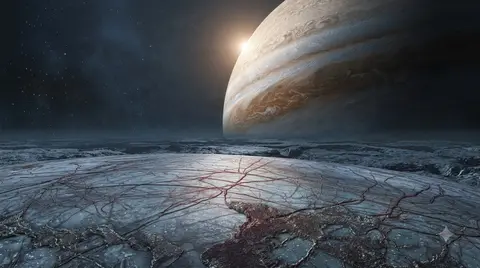

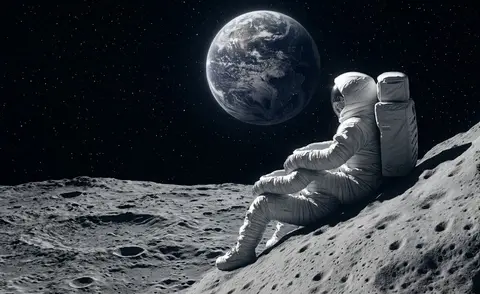
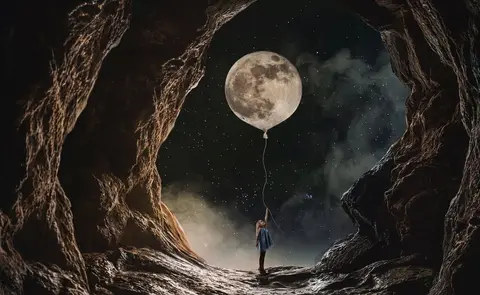

Device-perfect sizes
Wallpapers generated for real phone and laptop resolutions — iPhone, Galaxy, Pixel, 1080p, 2K, ultrawide and 4K. No more cropping to fit.
Pinterest image upscaler
Found something you love on Pinterest? Paste the link, pick mobile or laptop, and get every size you need in one download.
No login, no watermark
Direct downloads in one click. No accounts, no paywalls, no overlay marks — just the wallpaper at full quality.
Fresh picks
Latest wallpapers
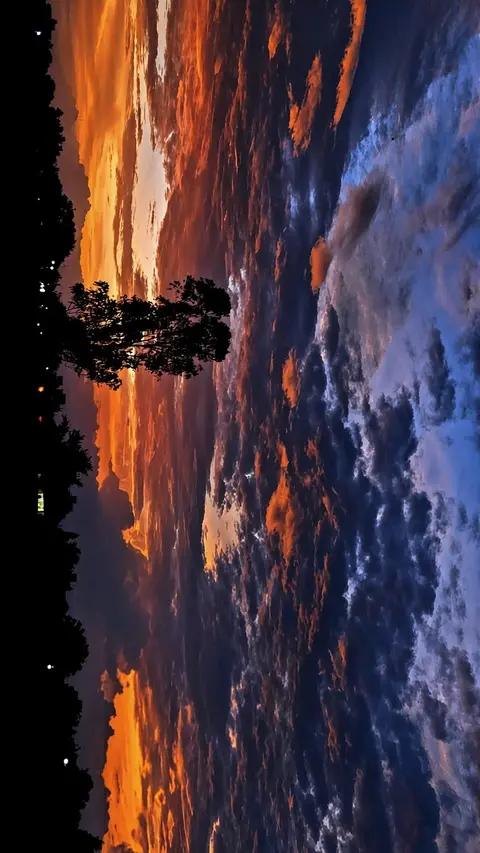


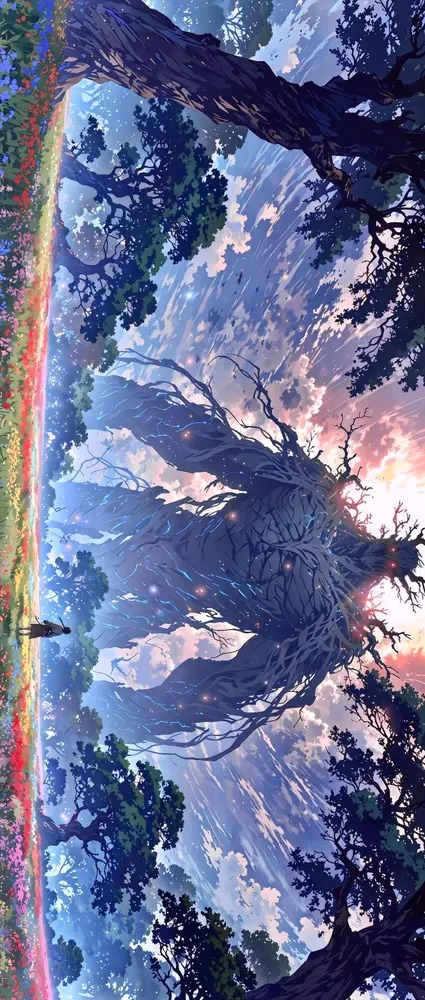

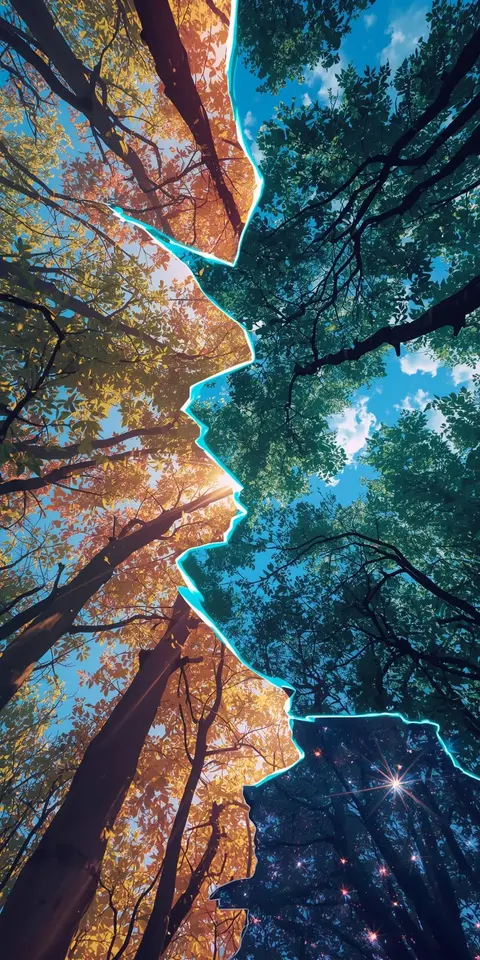






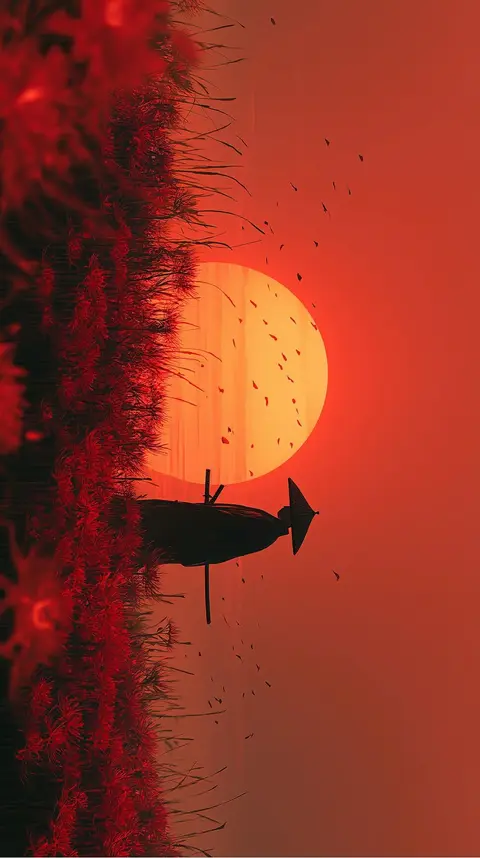


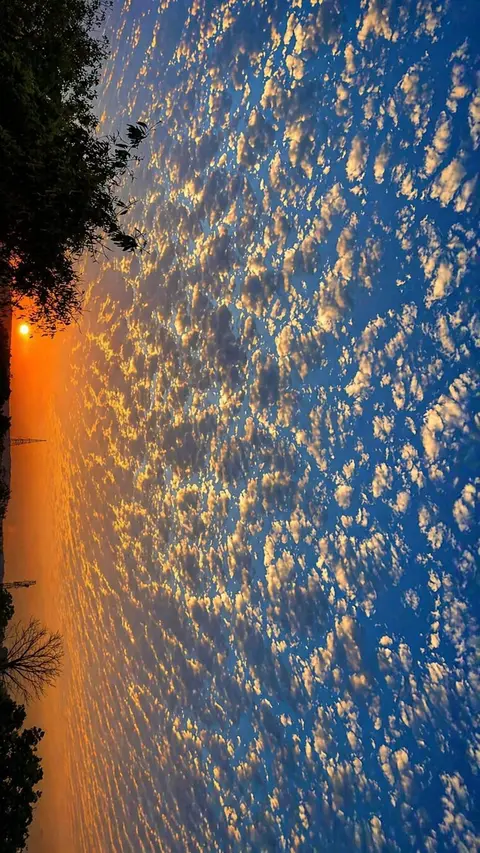

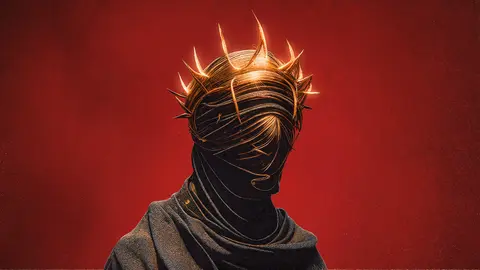
Browse by collection
Popular categories
Saw a wallpaper on Pinterest?
Make it fit your device. Paste the pin, choose mobile or laptop, and get crisp wallpapers for every screen size.
What is Pintrest Wallpaper?
Pintrest Wallpaper is a free gallery of high-resolution wallpapers, plus a tool that upscales and resizes any Pinterest image to fit your exact screen. Every wallpaper in the gallery is offered in original quality and in ready-made mobile and desktop sizes — so you never have to stretch, crop, or settle for a blurry fit.
Why upscaled wallpapers look better than originals
A wallpaper that looks great on Pinterest is usually shared in a single resolution. Put that same file on a phone and the system stretches or crops it; put it on a monitor and the edges go soft. We regenerate images at the pixel dimensions your display actually uses — portrait sizes for iPhone, Galaxy, Pixel and iPad, and widescreen sizes from Full HD up to 4K — so the result is crisp and properly framed on the first try.
How the image upscaler works
Paste a pin URL into the upscaler, choose Mobile or Desktop, and the server grabs the full-resolution image and renders every size in the preset. You get a single ZIP download. Nothing is ever cropped — larger frames are filled with a soft blurred backdrop so the artwork always stays fully visible. The whole thing takes about thirty seconds, and the files are deleted from our servers about an hour later.
Who the gallery is for
Phone users get portrait wallpapers tuned to their device. Laptop and monitor owners get widescreen versions at 1080p, 2K, ultrawide and 4K. And anyone who finds a pin they love — in this gallery or anywhere on Pinterest — can turn it into a perfectly sized wallpaper in under a minute.
Wallpaper questions, answered
Can I download wallpapers for free?
Yes. Every wallpaper downloads free in its original resolution plus ready-made mobile and desktop sizes — no paywall, no account, no watermark.
Does the upscaler crop my images?
No. Your image is fitted inside each frame and never cropped. Larger frames get a soft blurred backdrop, so the full artwork always stays visible.
Which devices are supported?
Phones and tablets (iPhone, Samsung Galaxy, Google Pixel, iPad) get portrait sizes at their display resolution. Laptops and monitors get widescreen versions at 1080p, 2K, ultrawide and 4K.
Are these wallpapers safe to use?
The wallpapers are offered for personal, non-commercial use. If you plan to republish or sell an image, check the original creator's license first.
Can I upscale my own Pinterest image?
Yes. Paste any Pinterest pin URL (or a direct image link) into the upscaler, pick Mobile or Desktop, and download every size in one ZIP — even if the image isn't in our gallery.
Do I need an account?
No. Everything works without signing up — download wallpapers or upscale your own images instantly.
What's the highest resolution available?
Desktop presets go up to 4K UHD (3840×2160), plus ultrawide (3440×1440). Phone sizes are generated at each device's exact display resolution.
What happens to images I upscale?
Files are generated on our server and deleted automatically about an hour after you make them. We don't keep a library of what you upscale.