Published July 30, 2026 · Downloaded 14 times
About Toji Fushiguro
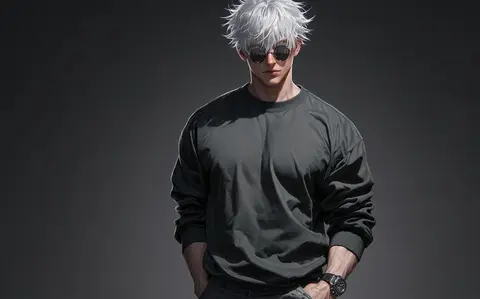
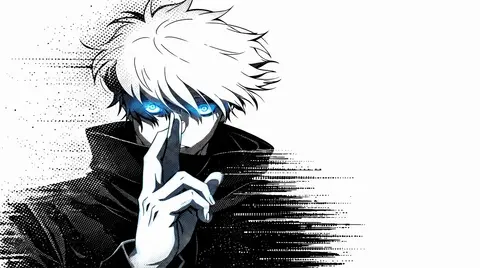
Toji Fushiguro wallpapers lean into the character's sleek, understated menace. Most designs here are rendered in black and white for a sharp, minimal look that suits dark desktop setups and monochrome phone themes. The collection captures Toji's combat-worn tactical aesthetic in clean, graphic compositions that hold up at any screen size.
More wallpapers of this character and series are added as the gallery grows.
- Toji Fushiguro is a Jujutsu Kaisen character known for his black hair, scarred mouth and combat-worn tactical look.
- The monochrome Toji designs on this page stay subtle enough to keep desktop icons legible.
- Toji wallpapers are among the most minimal character designs in the gallery, favouring negative space over colour.
About this anime wallpaper
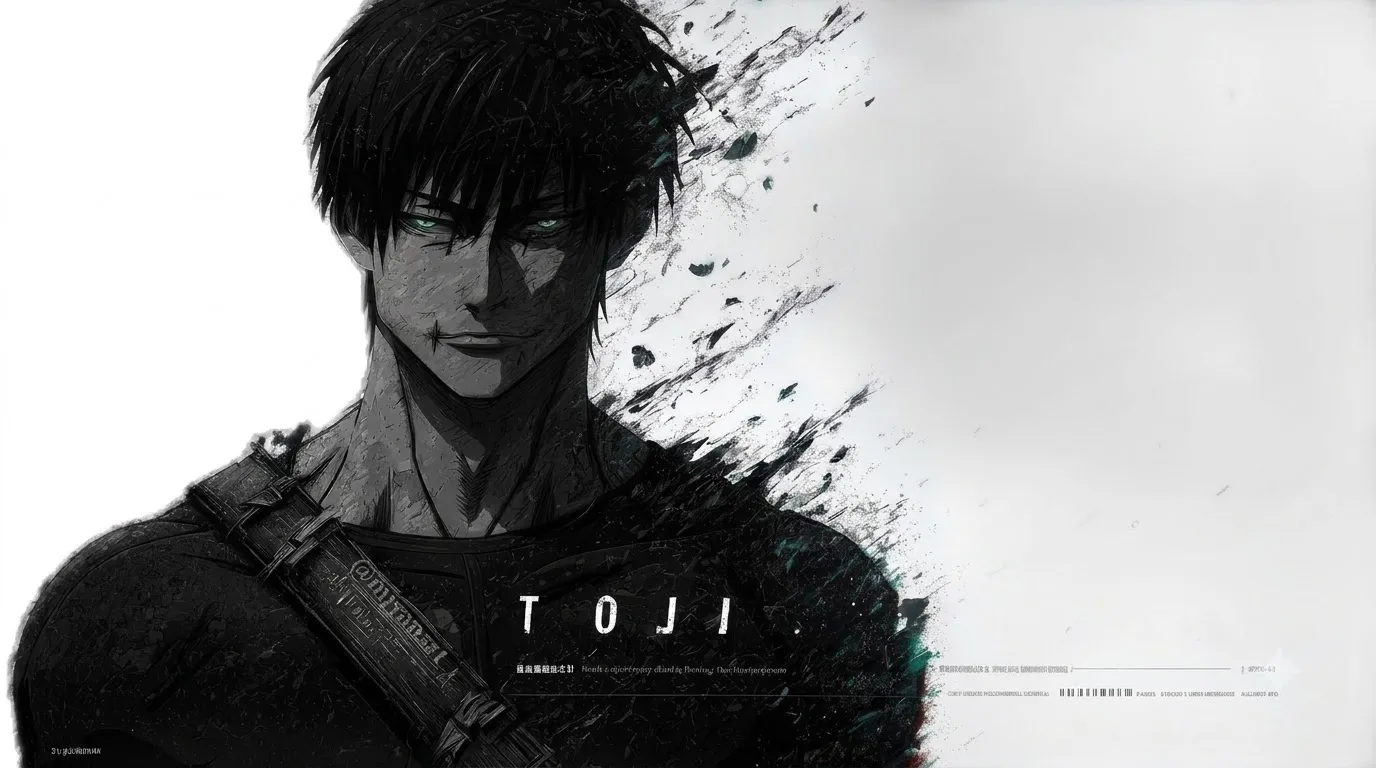
This one strips Toji Fushiguro down to his essence: near-total black, with a pair of sharp green eyes cutting through ink-splash brushwork. There is no background detail to compete with the character. The monochrome treatment borrows from sumi-e painting, and the splatter marks along the edges give the impression of motion frozen mid-strike. It is aggressive but controlled, much like Toji himself.
The deep blacks make this a natural fit for OLED and AMOLED panels, where the dark areas truly turn off and the green eyes become the only real source of light. On a standard LCD, the image still reads as moody and focused, though you lose some of that razor contrast. Taskbar icons sit cleanly against the empty space, and the horizontal layout gives the face room to breathe without crowding your desktop widgets.
Jujutsu Kaisen fans who prefer a darker, more understated desktop aesthetic will gravitate toward this. It sits well alongside a dark-themed code editor or a terminal setup. If you already run a green-accented color scheme, this wallpaper ties the whole environment together without shouting about it.
How to set this wallpaper on your device
On iPhone or iPad
- Tap Download original above, or choose Mobile sizes for an iPhone-optimized pack.
- Save the image to your Photos app.
- Open Photos, tap the image, then tap Share → Use as Wallpaper.
- Pinch to adjust the position, then tap Set and choose Lock Screen, Home Screen, or Both.
On Android
- Download the wallpaper by tapping Download original or Mobile sizes.
- Open the image in your gallery app.
- Tap the menu (three dots) and select Set as wallpaper.
- Choose Home screen, Lock screen, or both, then confirm.
On Windows
- Download the wallpaper — tap Desktop sizes for a 1080p, 2K or 4K version.
- Right-click the downloaded file and select Set as desktop background.
- Alternatively, go to Settings → Personalization → Background and browse to the file.
On macOS
- Download the wallpaper — tap Desktop sizes for a resolution-matched version.
- Open the image and right-click, or open System Settings → Wallpaper.
- Select Set Desktop Picture and choose your display.
Not sure which size to pick? The original download works at any resolution, but for the sharpest result match your screen. Our upscale guides walk through exact resolutions for every popular device, or use the Pinterest image upscaler to generate custom sizes from this or any other image.
Why this wallpaper works on your screen
The image is widescreen 16:9 at 1376×768, and its dominant tones lean soft neutral grey — a good match for a 16:9 laptop, desktop monitor or smart TV. Widescreen wallpapers like this one sit cleanly on monitors and laptops without letterboxing or stretching. If your display is 4K, you can upscale this image for even sharper detail using the desktop sizes preset. Tap Desktop sizes to generate exact resolutions for your device without any cropping, or paste it into the Pinterest image upscaler for custom sizes.
Understanding this wallpaper's dimensions
This image measures 1376 pixels wide by 768 pixels tall, giving it a 1.79:1 aspect ratio.Being wider than it is tall, it's a landscape-oriented image — the standard format for desktop and laptop monitors where the horizontal axis is longer.
The file is a JPEG at 176 KB, which meansit's a lightweight download that loads quickly even on slower connections.
If you need this wallpaper at a different resolution — say, a specific iPhone model or an ultrawide monitor — the image upscaler can generate every common device size from this image in one download. The upscaled versions use the original as the source and fit it inside each target frame without cropping.