Published July 31, 2026 · Downloaded 11 times
About Gojo Satoru
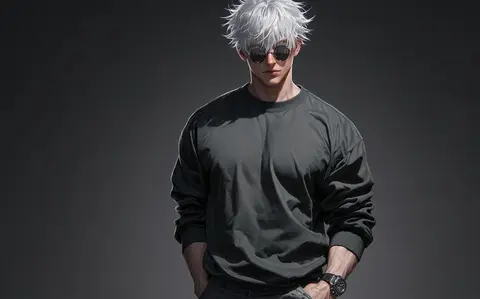
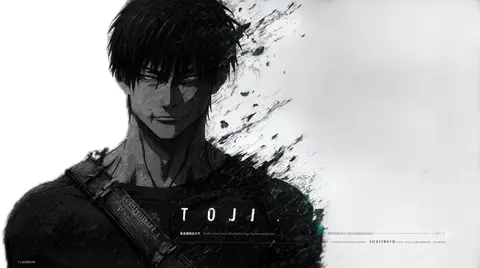
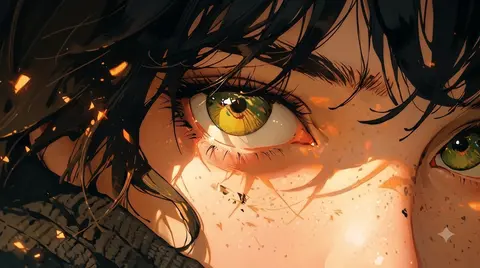
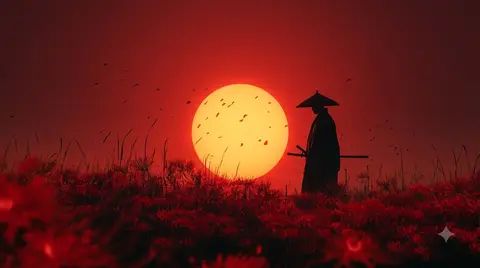
Gojo Satoru wallpapers celebrate the Jujutsu Kaisen teacher with boundless white hair and the blindfold he never seems to keep on for long. When it comes off, those unmistakable ice-blue six eyes steal every frame, and the artwork in this collection leans into that contrast. You will find stark black-and-white minimal designs, red-lit sunset scenes and moody coffee-shop compositions all gathered here.
5 Gojo Satoru wallpapers live in the gallery — open the collection to browse them all.
- Often called the strongest jujutsu sorcerer in the series, Gojo is a fan-favourite teacher at Tokyo Jujutsu High.
- His signature look of white hair, black blindfold and pale blue six eyes makes him one of the most iconic anime character designs to use as a wallpaper.
- The blue-eyed Gojo designs here pair especially well with dark mode docks and minimal desktop setups.
About this anime wallpaper
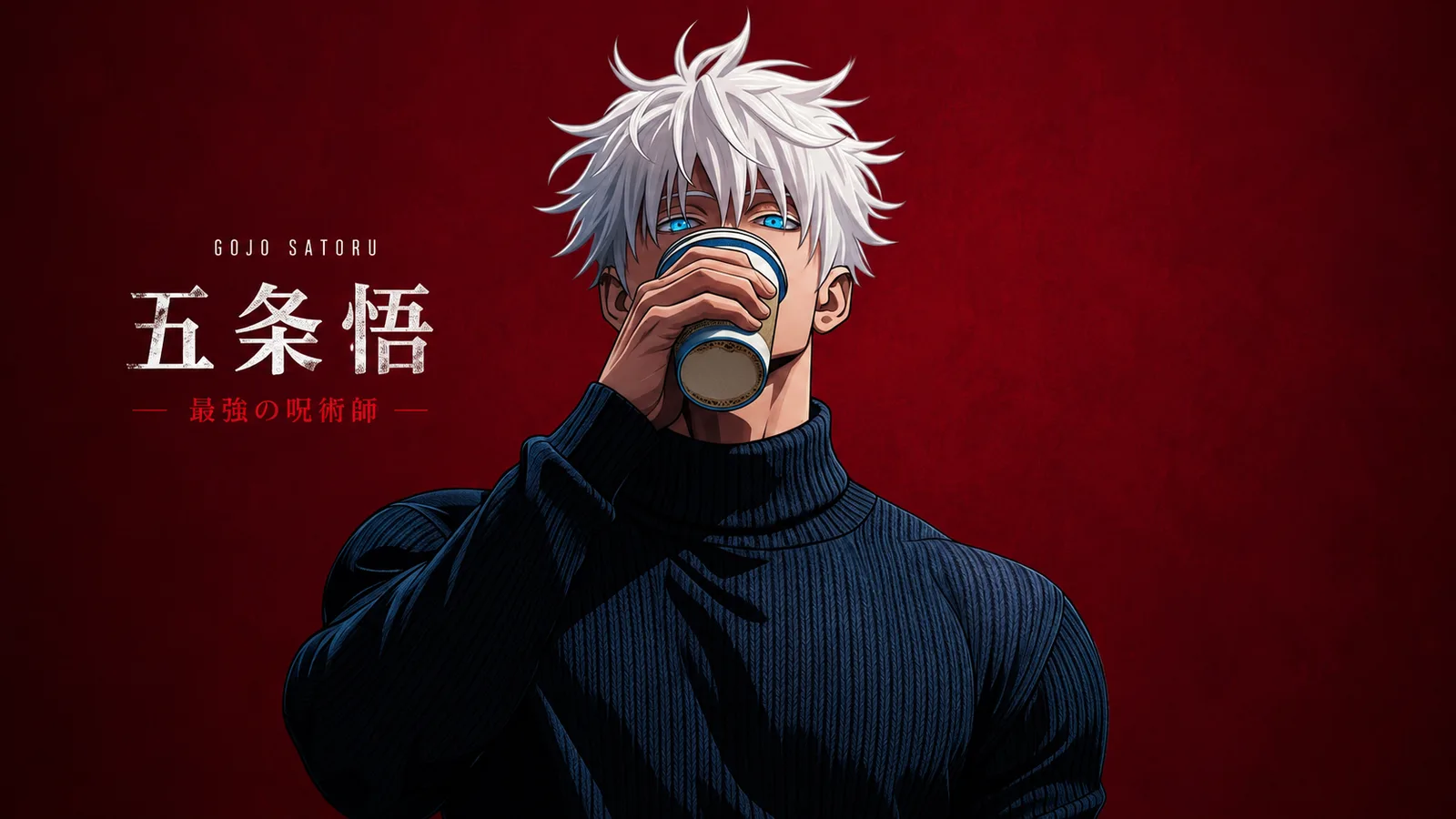
Gojo holding a coffee cup, framed against the same bold crimson that gives this piece its personality. The red background is flat and confident, with no gradient or texture to distract from the character. His Six Eyes still glow blue, and that blue-against-red tension is what keeps the image from feeling one-note. There is an casualness to the pose that contrasts with the intensity of the color choice, and that mismatch is what makes it work.
The crimson dominates the lower and left portions of the frame, leaving the upper right slightly lighter where Gojo's hair and the sky-toned background meet. This asymmetric lighting gives you a natural zone for desktop icons in the brighter area. On phones, the red wraps edge to edge and creates a bold, almost poster-like effect. The larger PNG file size suggests the artist prioritized clean line work over compression, which pays off on high-DPI screens.
Coffee lovers and Gojo fans will see the obvious appeal, but the real audience is anyone who wants a character wallpaper that feels like a color study. It sits nicely in a setup that already uses red as an accent, or it can serve as the singular pop of color on an otherwise monochrome desk. Consider it for a tablet you use around the kitchen or living room, where the warm tones feel at home.
How to set this wallpaper on your device
On iPhone or iPad
- Tap Download original above, or choose Mobile sizes for an iPhone-optimized pack.
- Save the image to your Photos app.
- Open Photos, tap the image, then tap Share → Use as Wallpaper.
- Pinch to adjust the position, then tap Set and choose Lock Screen, Home Screen, or Both.
On Android
- Download the wallpaper by tapping Download original or Mobile sizes.
- Open the image in your gallery app.
- Tap the menu (three dots) and select Set as wallpaper.
- Choose Home screen, Lock screen, or both, then confirm.
On Windows
- Download the wallpaper — tap Desktop sizes for a 1080p, 2K or 4K version.
- Right-click the downloaded file and select Set as desktop background.
- Alternatively, go to Settings → Personalization → Background and browse to the file.
On macOS
- Download the wallpaper — tap Desktop sizes for a resolution-matched version.
- Open the image and right-click, or open System Settings → Wallpaper.
- Select Set Desktop Picture and choose your display.
Not sure which size to pick? The original download works at any resolution, but for the sharpest result match your screen. Our upscale guides walk through exact resolutions for every popular device, or use the Pinterest image upscaler to generate custom sizes from this or any other image.
Why this wallpaper works on your screen
The image is widescreen 16:9 at 1672×941, and its dominant tones lean deep crimson — a good match for a 16:9 laptop, desktop monitor or smart TV. Widescreen wallpapers like this one sit cleanly on monitors and laptops without letterboxing or stretching. If your display is 4K, you can upscale this image for even sharper detail using the desktop sizes preset. Tap Desktop sizes to generate exact resolutions for your device without any cropping, or paste it into the Pinterest image upscaler for custom sizes.
Understanding this wallpaper's dimensions
This image measures 1672 pixels wide by 941 pixels tall, giving it a 1.78:1 aspect ratio.Being wider than it is tall, it's a landscape-oriented image — the standard format for desktop and laptop monitors where the horizontal axis is longer.
The file is a PNG at 2.0 MB, which meansit's a high-quality file with plenty of detail, best suited for faster connections or larger screens where the extra data makes a visible difference.
If you need this wallpaper at a different resolution — say, a specific iPhone model or an ultrawide monitor — the image upscaler can generate every common device size from this image in one download. The upscaled versions use the original as the source and fit it inside each target frame without cropping.