Published July 26, 2026 · Downloaded 13 times
About Sasuke Uchiha
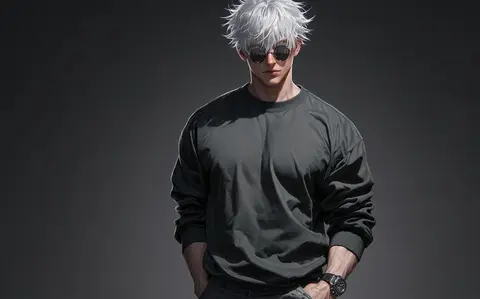
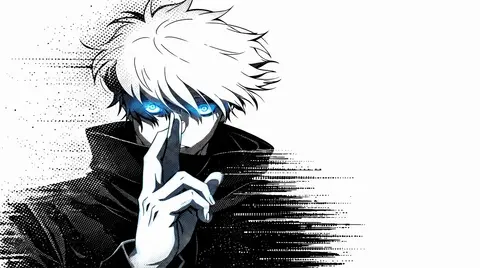
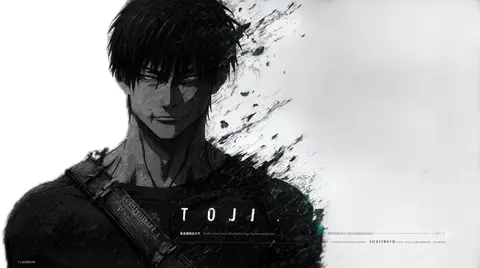
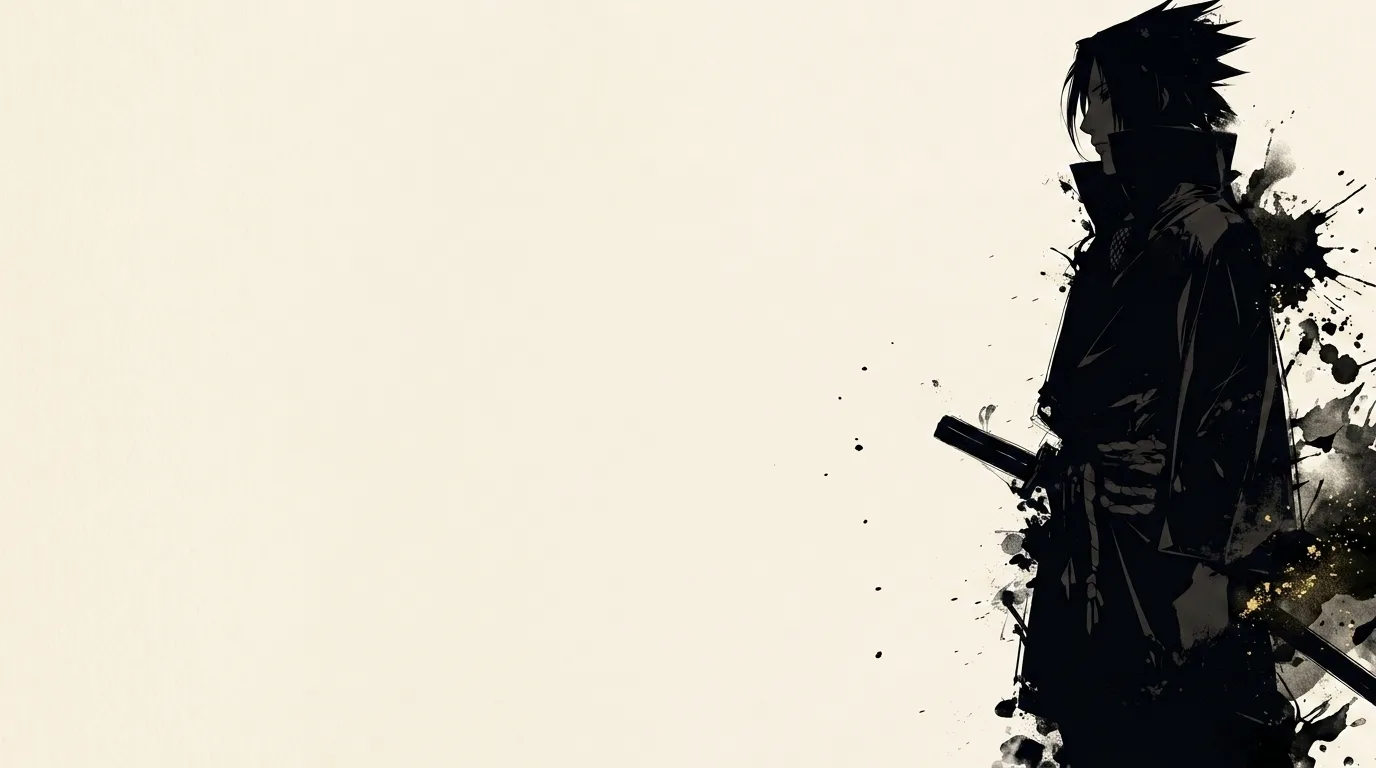
Sasuke Uchiha wallpapers capture the Naruto rival in a single dramatic black-and-white frame. The minimalist design holds up beautifully as a desktop background or a dark-mode phone wallpaper, with clean lines and a moody atmosphere that never feels cluttered. It is an understated way to carry a Naruto theme on any device.
More wallpapers of this character and series are added as the gallery grows.
- Sasuke Uchiha is one of the most recognised characters in the Naruto series.
- The black-and-white minimal treatment keeps this wallpaper clean enough for icon-heavy desktops.
- Sasuke's design features the distinctive Uchiha clan hairstyle and a brooding, intense expression.
About this anime wallpaper
Ink-splash effects radiate outward from Sasuke's figure in loose, gestural strokes, giving the composition the energy of a sumi-e painting filtered through modern anime design. The monochrome palette strips away everything except form and contrast, leaving the character's calm, knowing expression as the anchor of the entire image.
The stark black-and-white distribution makes this wallpaper exceptionally legible for light or dark interface elements placed anywhere on the screen, as there are no competing midtones to fight with. The high contrast also translates well to smaller phone displays where subtle gradients would be lost.
Naruto fans who prefer understated references over full-color character portraits will appreciate the restraint on display here, which communicates fandom without shouting. It fits cleanly into minimal desktop setups, especially alongside black hardware and monochrome peripherals where the entire desk reads as one cohesive aesthetic.
How to set this wallpaper on your device
On iPhone or iPad
- Tap Download original above, or choose Mobile sizes for an iPhone-optimized pack.
- Save the image to your Photos app.
- Open Photos, tap the image, then tap Share → Use as Wallpaper.
- Pinch to adjust the position, then tap Set and choose Lock Screen, Home Screen, or Both.
On Android
- Download the wallpaper by tapping Download original or Mobile sizes.
- Open the image in your gallery app.
- Tap the menu (three dots) and select Set as wallpaper.
- Choose Home screen, Lock screen, or both, then confirm.
On Windows
- Download the wallpaper — tap Desktop sizes for a 1080p, 2K or 4K version.
- Right-click the downloaded file and select Set as desktop background.
- Alternatively, go to Settings → Personalization → Background and browse to the file.
On macOS
- Download the wallpaper — tap Desktop sizes for a resolution-matched version.
- Open the image and right-click, or open System Settings → Wallpaper.
- Select Set Desktop Picture and choose your display.
Not sure which size to pick? The original download works at any resolution, but for the sharpest result match your screen. Our upscale guides walk through exact resolutions for every popular device, or use the Pinterest image upscaler to generate custom sizes from this or any other image.
Why this wallpaper works on your screen
The image is widescreen 16:9 at 1376×768, and its dominant tones lean golden amber — a good match for a 16:9 laptop, desktop monitor or smart TV. Widescreen wallpapers like this one sit cleanly on monitors and laptops without letterboxing or stretching. If your display is 4K, you can upscale this image for even sharper detail using the desktop sizes preset. Tap Desktop sizes to generate exact resolutions for your device without any cropping, or paste it into the Pinterest image upscaler for custom sizes.
Understanding this wallpaper's dimensions
This image measures 1376 pixels wide by 768 pixels tall, giving it a 1.79:1 aspect ratio.Being wider than it is tall, it's a landscape-oriented image — the standard format for desktop and laptop monitors where the horizontal axis is longer.
The file is a JPEG at 513 KB, which meansit's a moderate size — a good balance between image quality and download speed.
If you need this wallpaper at a different resolution — say, a specific iPhone model or an ultrawide monitor — the image upscaler can generate every common device size from this image in one download. The upscaled versions use the original as the source and fit it inside each target frame without cropping.