About Samurai
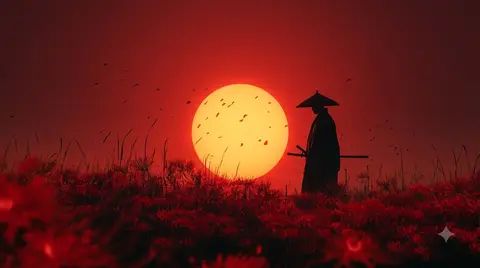
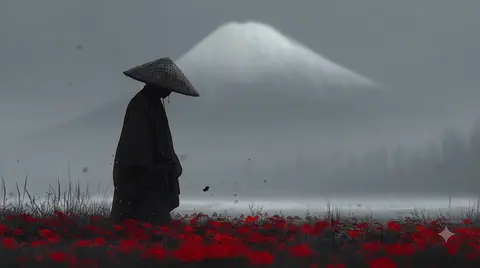
Samurai wallpapers collect the gallery's most cinematic sword-and-cherry-blossom scenes, from a warrior under crimson rain to a lone figure among red spider lilies. Drawn from a distinct Japanese aesthetic, they lean moody, minimal and colour-drenched. The result is a collection that feels more like fine art than typical wallpaper fare.
4 Samurai wallpapers live in the gallery — open the collection to browse them all.
- Red spider lilies, a recurring motif in this collection, are a classic Japanese symbol tied to autumn and farewells.
- Crimson and gold palettes make samurai wallpapers pop on HDR and OLED displays.
- The collection includes scenes with rain, cherry blossoms and sunset silhouettes alongside the spider lily motifs.
About this anime wallpaper
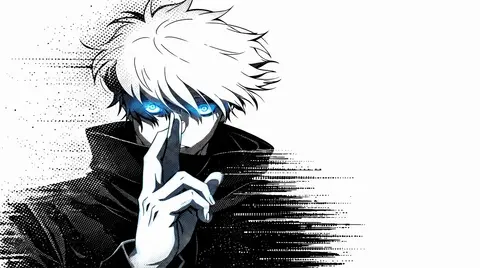
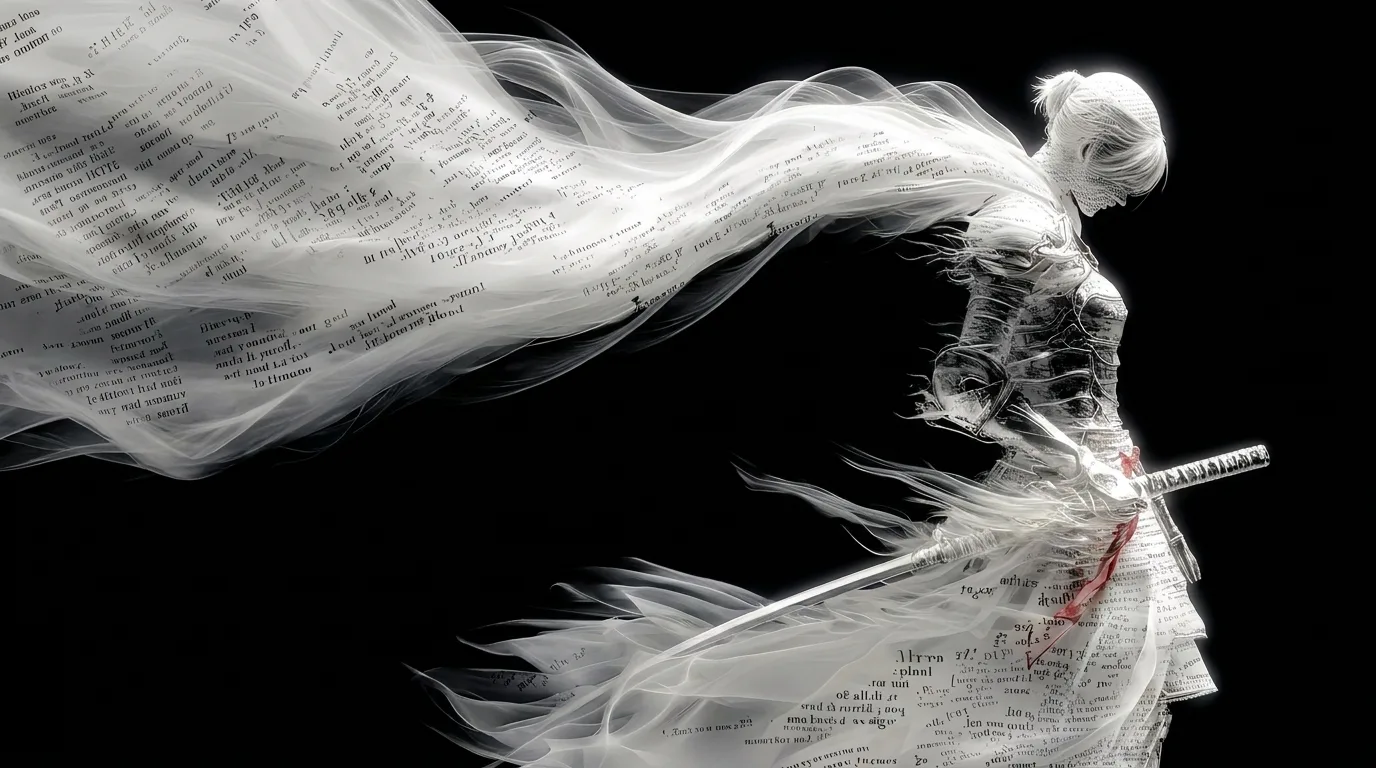
The samurai figure is constructed from torn parchment and calligraphic brushstrokes, giving her an appearance that is half ink painting, half ghost. Against a pure black ground, every frayed edge and ink splatter reads with sharp clarity, and the limited palette forces attention onto texture and form rather than color.
With the background reading as true black, this wallpaper is a natural match for AMOLED screens where dark pixels turn off entirely, saving battery and producing exceptional contrast. The white figure sits roughly centered, leaving the periphery completely dark for widgets, notifications, and status indicators.
Readers of historical manga and fans of traditional Japanese ink art will find a familiar visual language here, translated into a digital context. It works as a statement piece on a dark desk setup, where the monochrome figure echoes the austerity of the hardware around it.
How to set this wallpaper on your device
On iPhone or iPad
- Tap Download original above, or choose Mobile sizes for an iPhone-optimized pack.
- Save the image to your Photos app.
- Open Photos, tap the image, then tap Share → Use as Wallpaper.
- Pinch to adjust the position, then tap Set and choose Lock Screen, Home Screen, or Both.
On Android
- Download the wallpaper by tapping Download original or Mobile sizes.
- Open the image in your gallery app.
- Tap the menu (three dots) and select Set as wallpaper.
- Choose Home screen, Lock screen, or both, then confirm.
On Windows
- Download the wallpaper — tap Desktop sizes for a 1080p, 2K or 4K version.
- Right-click the downloaded file and select Set as desktop background.
- Alternatively, go to Settings → Personalization → Background and browse to the file.
On macOS
- Download the wallpaper — tap Desktop sizes for a resolution-matched version.
- Open the image and right-click, or open System Settings → Wallpaper.
- Select Set Desktop Picture and choose your display.
Not sure which size to pick? The original download works at any resolution, but for the sharpest result match your screen. Our upscale guides walk through exact resolutions for every popular device, or use the Pinterest image upscaler to generate custom sizes from this or any other image.
Why this wallpaper works on your screen
The image is widescreen 16:9 at 1376×768, and its dominant tones lean deep charcoal — a good match for a 16:9 laptop, desktop monitor or smart TV. Widescreen wallpapers like this one sit cleanly on monitors and laptops without letterboxing or stretching. If your display is 4K, you can upscale this image for even sharper detail using the desktop sizes preset. Tap Desktop sizes to generate exact resolutions for your device without any cropping, or paste it into the Pinterest image upscaler for custom sizes.
Understanding this wallpaper's dimensions
This image measures 1376 pixels wide by 768 pixels tall, giving it a 1.79:1 aspect ratio.Being wider than it is tall, it's a landscape-oriented image — the standard format for desktop and laptop monitors where the horizontal axis is longer.
The file is a JPEG at 597 KB, which meansit's a moderate size — a good balance between image quality and download speed.
If you need this wallpaper at a different resolution — say, a specific iPhone model or an ultrawide monitor — the image upscaler can generate every common device size from this image in one download. The upscaled versions use the original as the source and fit it inside each target frame without cropping.