Published July 22, 2026 · Downloaded 10 times
About Yuji Itadori
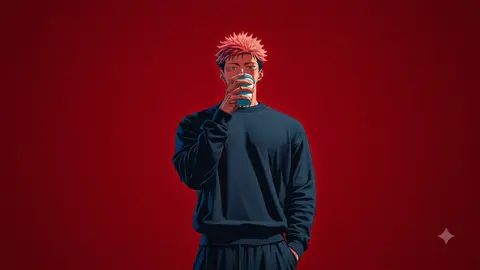
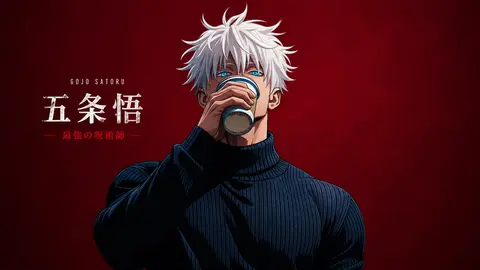
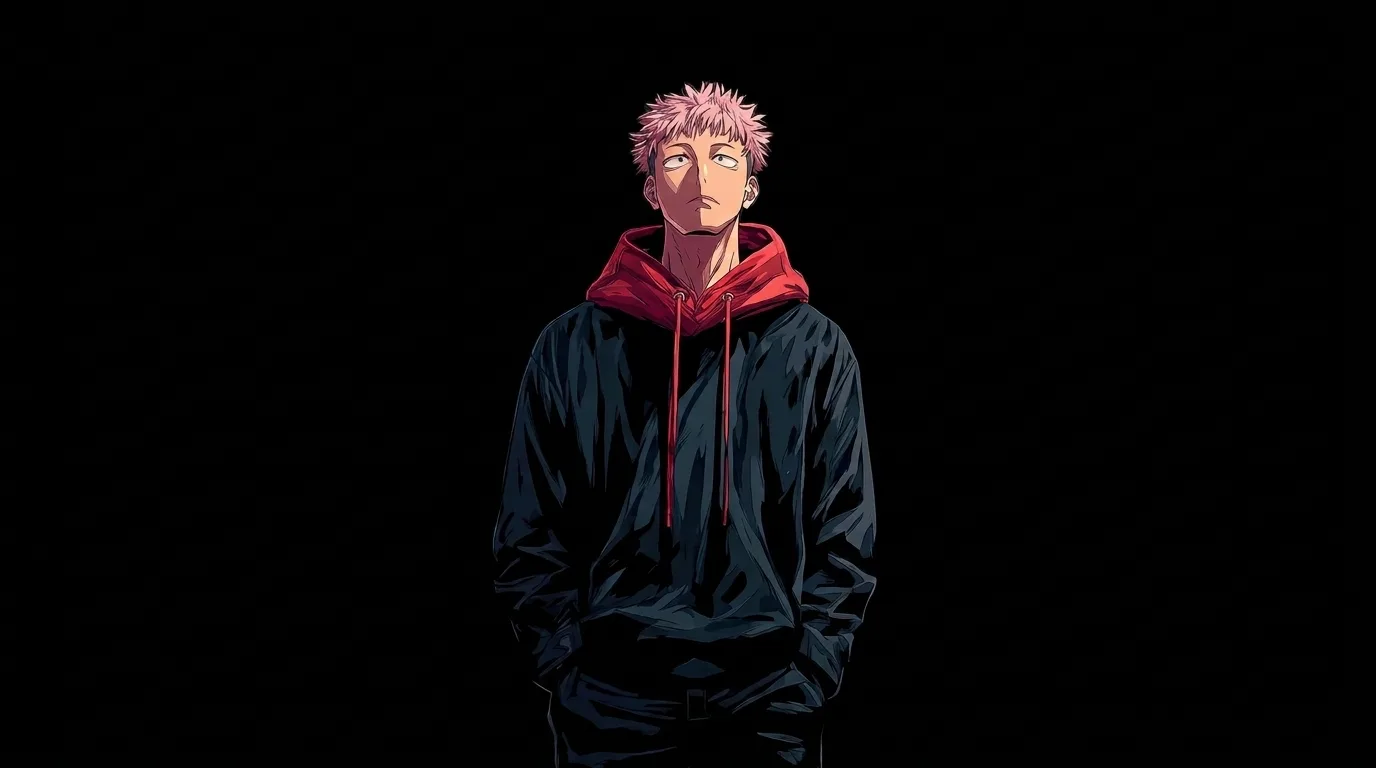
Yuji Itadori wallpapers bring the Jujutsu Kaisen protagonist's pink-haired, high-energy look to your screen. The designs here keep it minimal, with clean compositions, strong colour and Yuji front and centre so the artwork reads clearly on both phones and large monitors. Expect a mix of red-toned portraits and moody aesthetic scenes throughout the collection.
2 Yuji Itadori wallpapers live in the gallery — open the collection to browse them all.
- Yuji is the main character of Jujutsu Kaisen, known for his bright personality and signature pink hair.
- The minimal red-toned Yuji designs on this page work best on dark-mode desktop layouts.
- The collection includes both close-up portrait crops and wider composition scenes featuring Yuji.
About this anime wallpaper
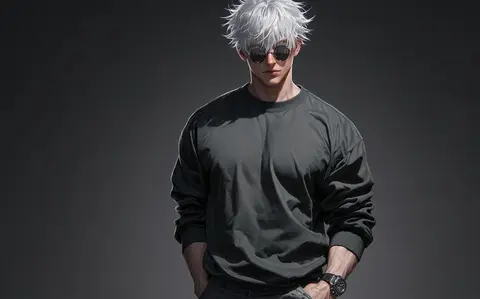
The minimalist approach here is the right call: Yuji Itadori stands against a pure black background, and the only color comes from his signature red hoodie and the muted tones of his outfit. Stripping away all background detail forces focus onto the character's pose and expression, which reads as confident but not aggressive. The clean silhouette work suggests a vector-influenced digital illustration style.
A solid black backdrop is one of the most practical choices for a desktop wallpaper. On AMOLED laptops and OLED monitors, it translates to true black with zero backlight bleed, and on IPS panels it simply blends with a dark theme. The red hoodie sits roughly in the center-left of the frame, which leaves the upper-right quadrant open for widgets or a clock without visual conflict.
This is built for Jujutsu Kaisen fans who want their fandom visible but not loud. The minimalism makes it appropriate for work or study environments where a busy anime scene might feel out of place. Pair it with a dark icon theme and a red accent color in your system settings for a cohesive, understated anime desktop.
How to set this wallpaper on your device
On iPhone or iPad
- Tap Download original above, or choose Mobile sizes for an iPhone-optimized pack.
- Save the image to your Photos app.
- Open Photos, tap the image, then tap Share → Use as Wallpaper.
- Pinch to adjust the position, then tap Set and choose Lock Screen, Home Screen, or Both.
On Android
- Download the wallpaper by tapping Download original or Mobile sizes.
- Open the image in your gallery app.
- Tap the menu (three dots) and select Set as wallpaper.
- Choose Home screen, Lock screen, or both, then confirm.
On Windows
- Download the wallpaper — tap Desktop sizes for a 1080p, 2K or 4K version.
- Right-click the downloaded file and select Set as desktop background.
- Alternatively, go to Settings → Personalization → Background and browse to the file.
On macOS
- Download the wallpaper — tap Desktop sizes for a resolution-matched version.
- Open the image and right-click, or open System Settings → Wallpaper.
- Select Set Desktop Picture and choose your display.
Not sure which size to pick? The original download works at any resolution, but for the sharpest result match your screen. Our upscale guides walk through exact resolutions for every popular device, or use the Pinterest image upscaler to generate custom sizes from this or any other image.
Why this wallpaper works on your screen
The image is widescreen 16:9 at 1376×768, and its dominant tones lean deep charcoal — a good match for a 16:9 laptop, desktop monitor or smart TV. Widescreen wallpapers like this one sit cleanly on monitors and laptops without letterboxing or stretching. If your display is 4K, you can upscale this image for even sharper detail using the desktop sizes preset. Tap Desktop sizes to generate exact resolutions for your device without any cropping, or paste it into the Pinterest image upscaler for custom sizes.
Understanding this wallpaper's dimensions
This image measures 1376 pixels wide by 768 pixels tall, giving it a 1.79:1 aspect ratio.Being wider than it is tall, it's a landscape-oriented image — the standard format for desktop and laptop monitors where the horizontal axis is longer.
The file is a JPEG at 316 KB, which meansit's a lightweight download that loads quickly even on slower connections.
If you need this wallpaper at a different resolution — say, a specific iPhone model or an ultrawide monitor — the image upscaler can generate every common device size from this image in one download. The upscaled versions use the original as the source and fit it inside each target frame without cropping.