About Naruto
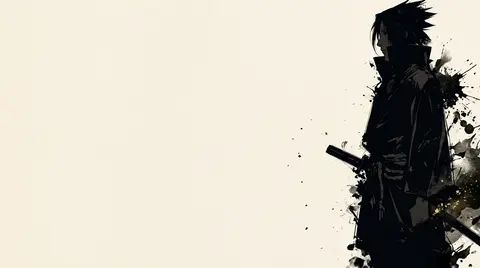
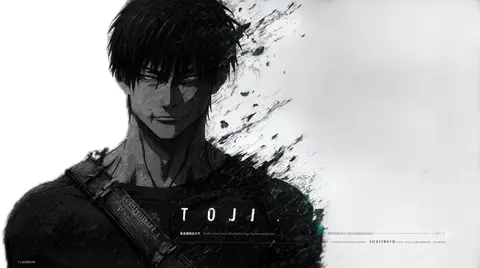
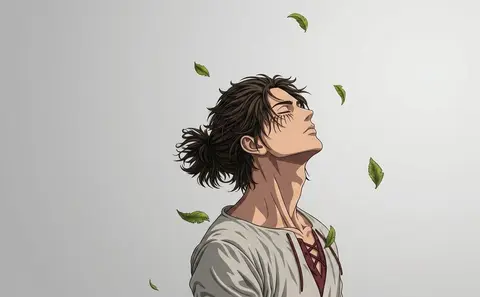
The Naruto wallpaper collection gathers the hidden-leaf favourites as clean HD and 4K backgrounds. Naruto Uzumaki and Sasuke Uchiha appear in confident, character-forward art that works as well on a phone lock screen as it does on a widescreen monitor. Expect minimal, high-contrast styles that keep the focus on the characters themselves.
2 Naruto wallpapers live in the gallery — open the collection to browse them all.
- The collection currently includes Naruto Uzumaki and Sasuke Uchiha designs, with more ninja favourites planned.
- Minimal, high-contrast styles make Naruto wallpapers easy to read behind desktop icons.
- Both warm-toned Naruto designs and cool-toned Sasuke designs are included in the collection.
About this anime wallpaper
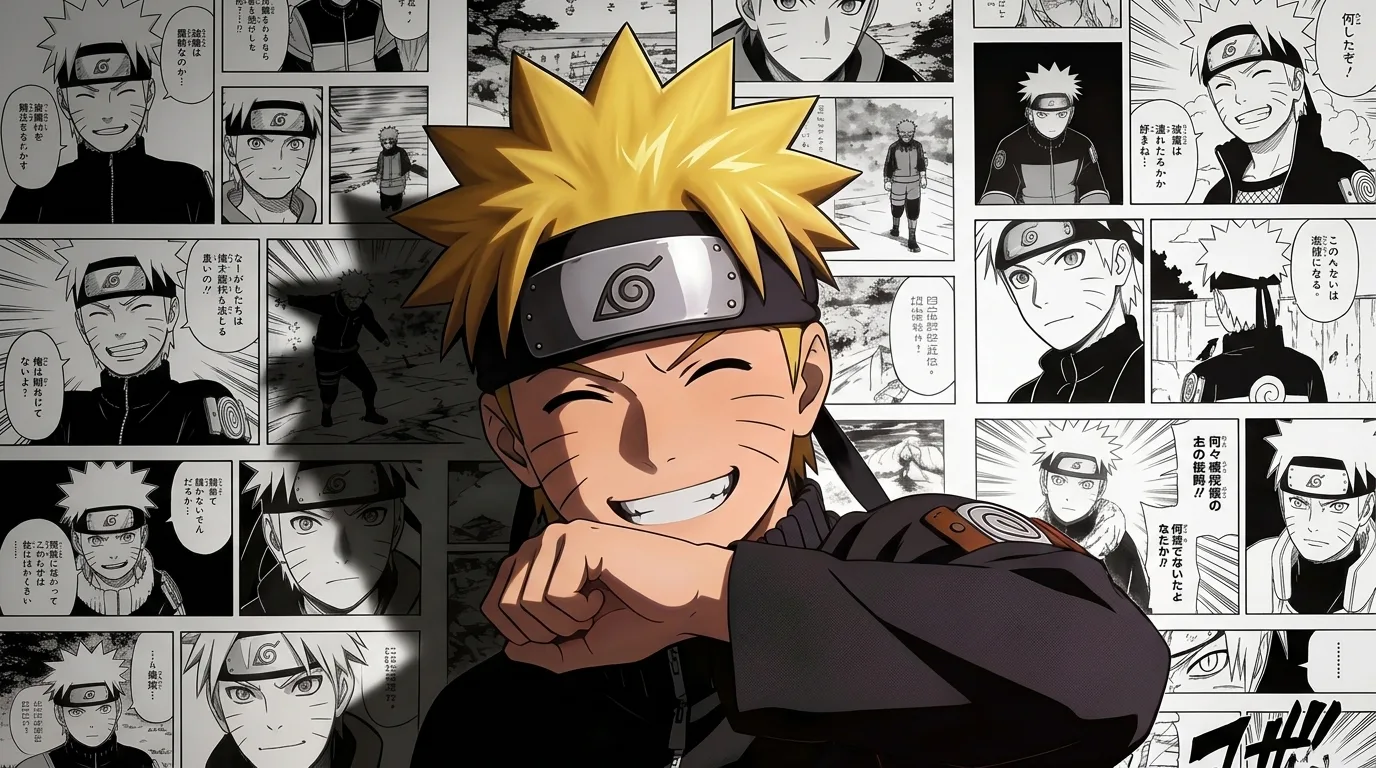
Naruto's face fills the foreground with a wide, genuine smile, and behind him a collage of manga panels fans out in a rough arc, each panel catching a different moment from his story. The color palette leans warm with Naruto's signature orange pulling the eye, while the monochrome manga strips in the background create a textural contrast that rewards a longer look. The composition reads as a retrospective without needing any text to explain itself.
The warm tones across the entire frame give this wallpaper a consistently inviting feel, though it does mean that status bar text needs strong contrast to stay legible against the orange midtones. On a desktop the manga collage in the background has enough detail to hold interest across a wide display. Phone users will find the central portrait anchors the image well even when the edges get cropped by rounded screen corners.
This works best for long-time Naruto fans who recognize the background panels and get the layered meaning. It is less effective as a pure aesthetic wallpaper for someone unfamiliar with the series. Pair it with an orange or warm-toned icon theme on your launcher and the whole screen feels intentional rather than pieced together.
How to set this wallpaper on your device
On iPhone or iPad
- Tap Download original above, or choose Mobile sizes for an iPhone-optimized pack.
- Save the image to your Photos app.
- Open Photos, tap the image, then tap Share → Use as Wallpaper.
- Pinch to adjust the position, then tap Set and choose Lock Screen, Home Screen, or Both.
On Android
- Download the wallpaper by tapping Download original or Mobile sizes.
- Open the image in your gallery app.
- Tap the menu (three dots) and select Set as wallpaper.
- Choose Home screen, Lock screen, or both, then confirm.
On Windows
- Download the wallpaper — tap Desktop sizes for a 1080p, 2K or 4K version.
- Right-click the downloaded file and select Set as desktop background.
- Alternatively, go to Settings → Personalization → Background and browse to the file.
On macOS
- Download the wallpaper — tap Desktop sizes for a resolution-matched version.
- Open the image and right-click, or open System Settings → Wallpaper.
- Select Set Desktop Picture and choose your display.
Not sure which size to pick? The original download works at any resolution, but for the sharpest result match your screen. Our upscale guides walk through exact resolutions for every popular device, or use the Pinterest image upscaler to generate custom sizes from this or any other image.
Why this wallpaper works on your screen
The image is widescreen 16:9 at 1376×768, and its dominant tones lean soft neutral grey — a good match for a 16:9 laptop, desktop monitor or smart TV. Widescreen wallpapers like this one sit cleanly on monitors and laptops without letterboxing or stretching. If your display is 4K, you can upscale this image for even sharper detail using the desktop sizes preset. Tap Desktop sizes to generate exact resolutions for your device without any cropping, or paste it into the Pinterest image upscaler for custom sizes.
Understanding this wallpaper's dimensions
This image measures 1376 pixels wide by 768 pixels tall, giving it a 1.79:1 aspect ratio.Being wider than it is tall, it's a landscape-oriented image — the standard format for desktop and laptop monitors where the horizontal axis is longer.
The file is a JPEG at 787 KB, which meansit's a moderate size — a good balance between image quality and download speed.
If you need this wallpaper at a different resolution — say, a specific iPhone model or an ultrawide monitor — the image upscaler can generate every common device size from this image in one download. The upscaled versions use the original as the source and fit it inside each target frame without cropping.