Published July 29, 2026 · Downloaded 8 times
About Porsche 911
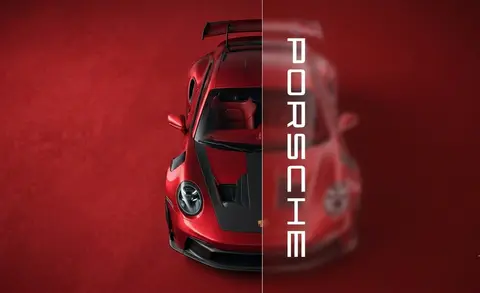
Porsche 911 wallpapers put the silhouette of an icon in your hands. GT3 RS aero, silver-and-red profiles, dark garage mood lighting and minimal red accents fill this collection with detail-rich car shots that reward large, high-resolution screens. Each design treats the 911 as both a machine and a piece of industrial art.
4 Porsche 911 wallpapers live in the gallery — open the collection to browse them all.
- The GT3 RS, a recurring subject here, is Porsche's hardcore, track-focused 911.
- Dark garage scenes make the car's highlights pop and keep desktop icons readable.
- The collection includes both studio-style garage shots and outdoor profile compositions.
About this cars & bikes wallpaper
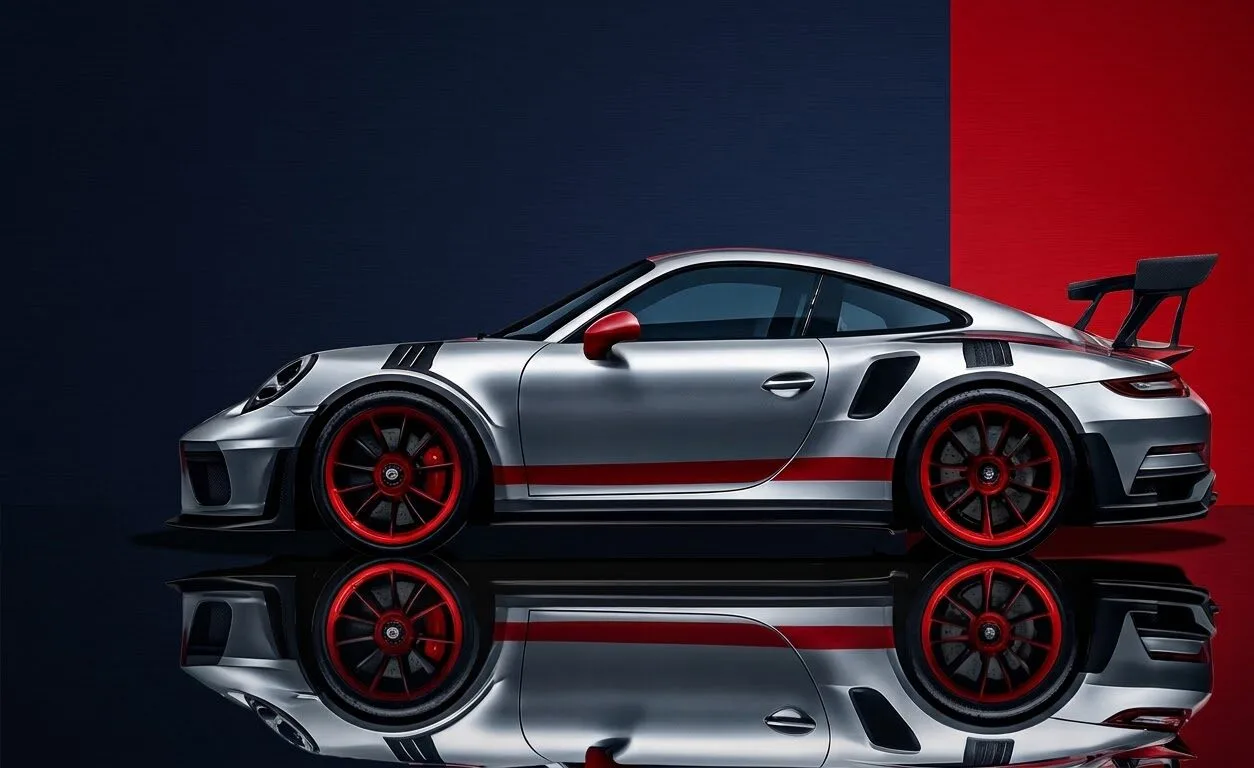
A side-profile view of the GT3 RS in metallic silver with red accents, reflected on a polished floor against a dual-tone backdrop. The profile angle highlights the car's proportions and the long, low silhouette that defines the 911 shape. The reflective surface beneath adds depth without introducing visual clutter.
The silver body sits centrally with balanced dark tones above and below, making icon placement straightforward on a desktop. The reflective floor extends the car's presence downward, which gives the composition weight on both wide monitors and phone screens. The red accents land at the car's midpoint, drawing attention without pulling focus from UI elements.
This works well for someone who appreciates automotive photography as a design discipline rather than just a car picture. The clean profile reads nicely on ultrawide monitors where the car's proportions get room to expand. A refined option that sits comfortably alongside dark or neutral desktop themes.
How to set this wallpaper on your device
On iPhone or iPad
- Tap Download original above, or choose Mobile sizes for an iPhone-optimized pack.
- Save the image to your Photos app.
- Open Photos, tap the image, then tap Share → Use as Wallpaper.
- Pinch to adjust the position, then tap Set and choose Lock Screen, Home Screen, or Both.
On Android
- Download the wallpaper by tapping Download original or Mobile sizes.
- Open the image in your gallery app.
- Tap the menu (three dots) and select Set as wallpaper.
- Choose Home screen, Lock screen, or both, then confirm.
On Windows
- Download the wallpaper — tap Desktop sizes for a 1080p, 2K or 4K version.
- Right-click the downloaded file and select Set as desktop background.
- Alternatively, go to Settings → Personalization → Background and browse to the file.
On macOS
- Download the wallpaper — tap Desktop sizes for a resolution-matched version.
- Open the image and right-click, or open System Settings → Wallpaper.
- Select Set Desktop Picture and choose your display.
Not sure which size to pick? The original download works at any resolution, but for the sharpest result match your screen. Our upscale guides walk through exact resolutions for every popular device, or use the Pinterest image upscaler to generate custom sizes from this or any other image.
Why this wallpaper works on your screen
The image is near-widescreen 3:2 at 1254×768, and its dominant tones lean rose mauve — a good match for a 3:2 laptop like many MacBooks, or a standard monitor. Widescreen wallpapers like this one sit cleanly on monitors and laptops without letterboxing or stretching. If your display is 4K, you can upscale this image for even sharper detail using the desktop sizes preset. Tap Desktop sizes to generate exact resolutions for your device without any cropping, or paste it into the Pinterest image upscaler for custom sizes.
Understanding this wallpaper's dimensions
This image measures 1254 pixels wide by 768 pixels tall, giving it a 1.63:1 aspect ratio.Being wider than it is tall, it's a landscape-oriented image — the standard format for desktop and laptop monitors where the horizontal axis is longer.
The file is a JPEG at 108 KB, which meansit's a lightweight download that loads quickly even on slower connections.
If you need this wallpaper at a different resolution — say, a specific iPhone model or an ultrawide monitor — the image upscaler can generate every common device size from this image in one download. The upscaled versions use the original as the source and fit it inside each target frame without cropping.