Published July 22, 2026 · Downloaded 8 times
About BMW
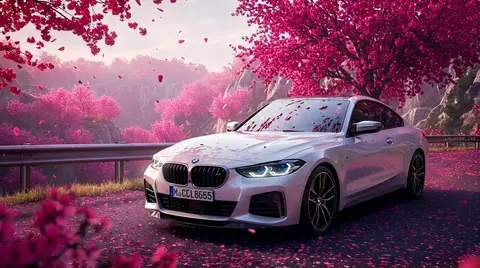
BMW wallpapers celebrate the M division's sharpest moments, from an M4 under neon to an M440i in cherry-blossom light. Crisp, colourful and detail-focused, they look best on big bright monitors where the metallic finishes and vivid backgrounds can shine. The collection also includes the iconic M logo as a standalone design.
4 BMW wallpapers live in the gallery — open the collection to browse them all.
- The M logo wallpaper is one of the most-requested car wallpapers in the gallery.
- Neon and cherry-blossom M-car scenes suit both dark and light desktop themes.
- The collection includes M4, M440i and GT3 racer designs alongside the standalone M logo.
About this cars & bikes wallpaper
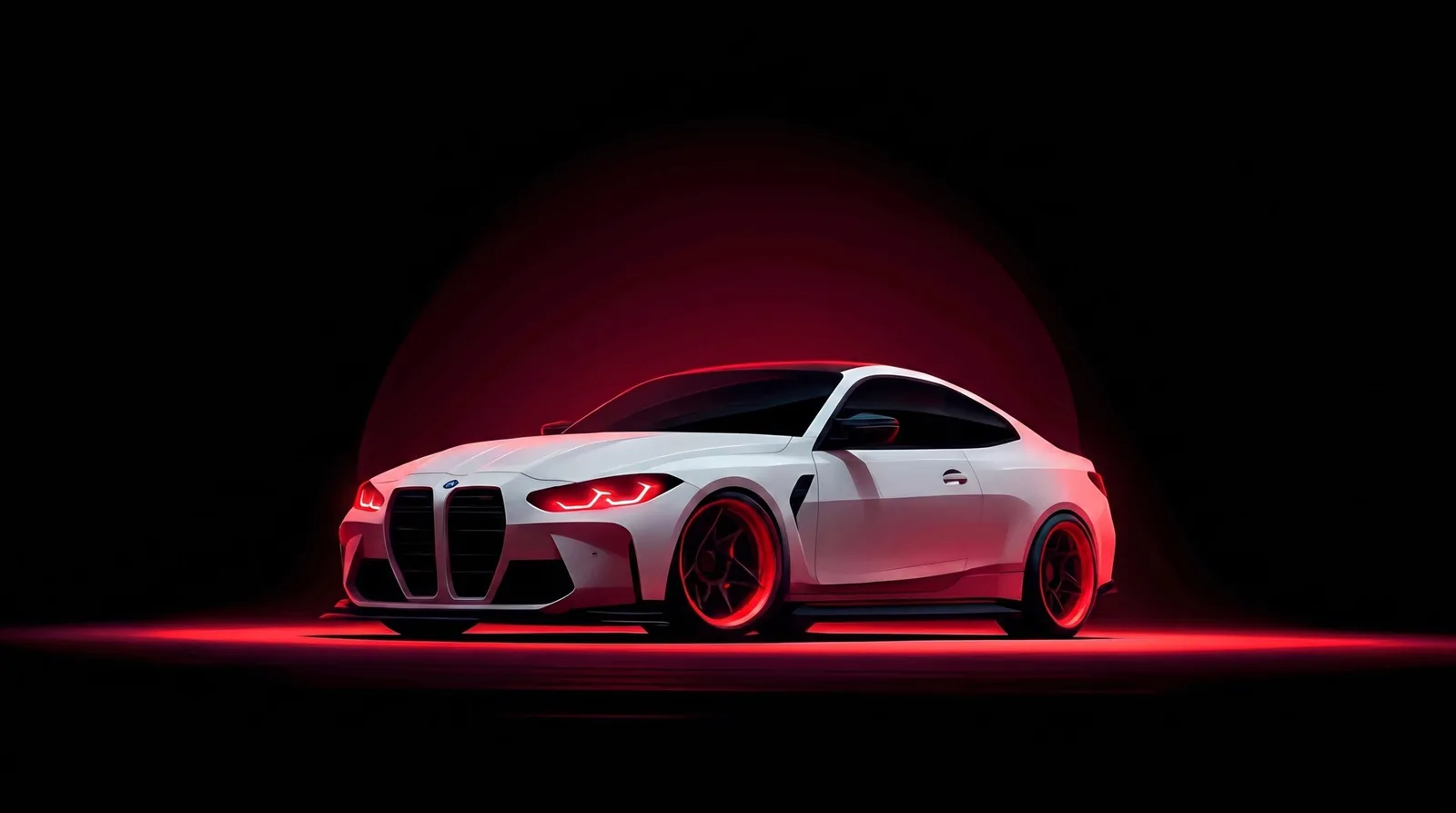
The neon treatment transforms the M4 from a luxury coupe into something closer to a cyberpunk prop. Red neon light wraps around the car's body lines, catching the edges of the fenders and hood while the rest of the scene falls into deep black. At 2560 by 1429, the image is sharp enough that the neon reflections hold their definition without blooming into mush.
This is an AMOLED-friendly composition: the background is pure black, and the only light sources are the neon strips and the car's own headlights. On OLED displays, the black areas consume zero power, and on IPS panels the dark backdrop simply disappears behind a dark theme. The red neon sits at a comfortable saturation level that avoids the eye-fatigue problem of overly vivid accents.
BMW owners and fans who prefer a darker, more futuristic aesthetic over nature scenes will find this a natural desktop choice. The neon palette pairs well with gaming setups, streaming backgrounds, or any workspace that leans into a tech-forward vibe. It is also a strong candidate for dual-monitor arrangements where the dark tones anchor one screen against a busier second display.
How to set this wallpaper on your device
On iPhone or iPad
- Tap Download original above, or choose Mobile sizes for an iPhone-optimized pack.
- Save the image to your Photos app.
- Open Photos, tap the image, then tap Share → Use as Wallpaper.
- Pinch to adjust the position, then tap Set and choose Lock Screen, Home Screen, or Both.
On Android
- Download the wallpaper by tapping Download original or Mobile sizes.
- Open the image in your gallery app.
- Tap the menu (three dots) and select Set as wallpaper.
- Choose Home screen, Lock screen, or both, then confirm.
On Windows
- Download the wallpaper — tap Desktop sizes for a 1080p, 2K or 4K version.
- Right-click the downloaded file and select Set as desktop background.
- Alternatively, go to Settings → Personalization → Background and browse to the file.
On macOS
- Download the wallpaper — tap Desktop sizes for a resolution-matched version.
- Open the image and right-click, or open System Settings → Wallpaper.
- Select Set Desktop Picture and choose your display.
Not sure which size to pick? The original download works at any resolution, but for the sharpest result match your screen. Our upscale guides walk through exact resolutions for every popular device, or use the Pinterest image upscaler to generate custom sizes from this or any other image.
Why this wallpaper works on your screen
The image is widescreen 16:9 at 2560×1429, and its dominant tones lean deep crimson — a good match for a 16:9 laptop, desktop monitor or smart TV. Widescreen wallpapers like this one sit cleanly on monitors and laptops without letterboxing or stretching. If your display is 4K, you can upscale this image for even sharper detail using the desktop sizes preset. Tap Desktop sizes to generate exact resolutions for your device without any cropping, or paste it into the Pinterest image upscaler for custom sizes.
Understanding this wallpaper's dimensions
This image measures 2560 pixels wide by 1429 pixels tall, giving it a 1.79:1 aspect ratio.Being wider than it is tall, it's a landscape-oriented image — the standard format for desktop and laptop monitors where the horizontal axis is longer.
The file is a JPEG at 118 KB, which meansit's a lightweight download that loads quickly even on slower connections.
If you need this wallpaper at a different resolution — say, a specific iPhone model or an ultrawide monitor — the image upscaler can generate every common device size from this image in one download. The upscaled versions use the original as the source and fit it inside each target frame without cropping.