Published August 1, 2026 · Downloaded 16 times
About this space wallpaper
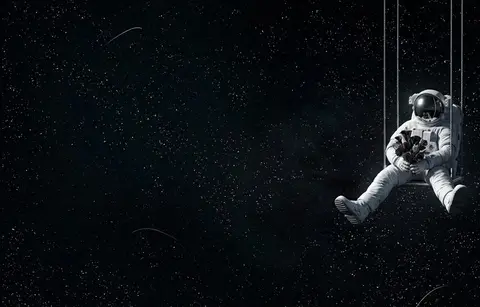
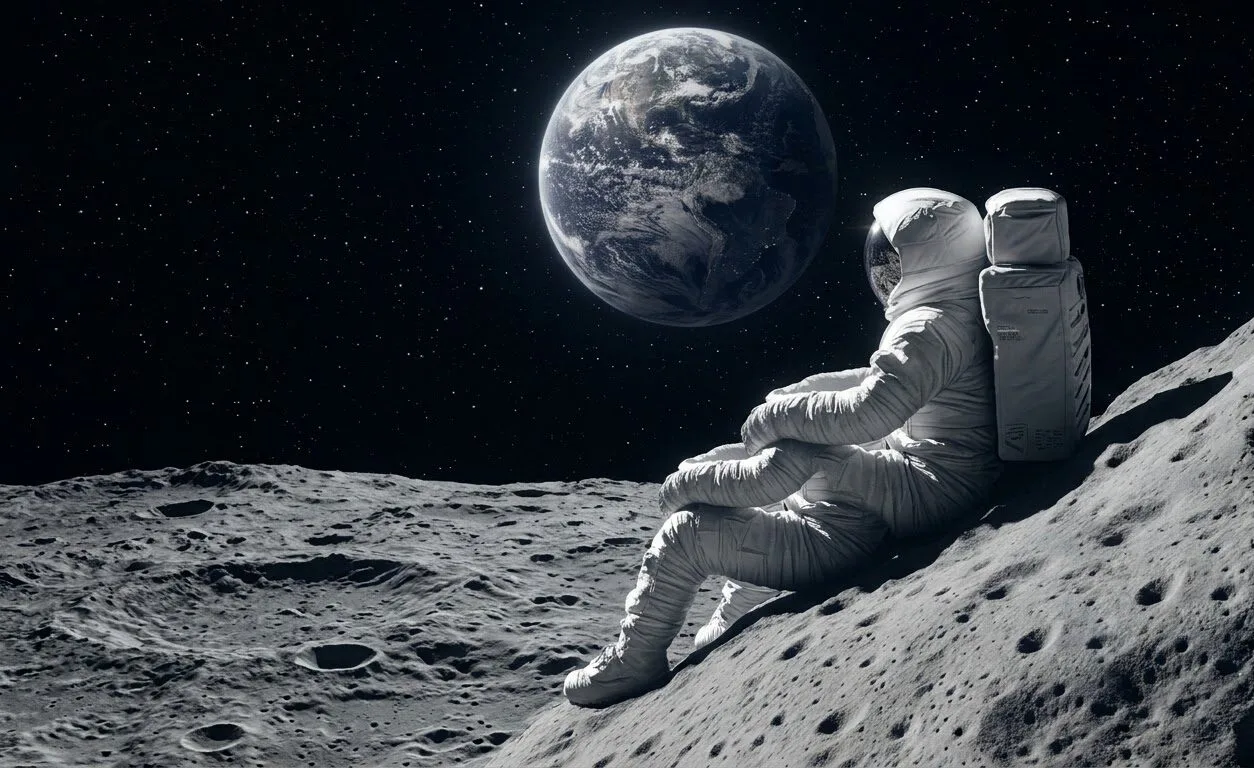
An astronaut sits on the lunar surface, legs dangling over a crater edge, gazing at a distant Earth. The composition draws your eye along a diagonal from the astronaut's suited figure in the lower left up to the blue marble of Earth hanging in the upper right. The lunar terrain is rendered with enough detail to feel solid and real, with subtle shadow work in the regolith and a faint Earthshine illuminating the far side of the craters.
The dark sky dominates roughly two-thirds of the frame, giving this wallpaper the kind of low-key tonality that keeps system elements legible. Earth provides the only splash of blue in an otherwise gray and black image, and that single point of color carries the whole composition. On a large desktop monitor, the loneliness of the figure reads powerfully. On a phone, the scene simplifies into a striking silhouette-against-stars effect that still works well.
Space enthusiasts and anyone who appreciates contemplative imagery will find this one sticks with them. It pairs naturally with a dark-themed workspace or a minimal desk setup where you want your screen to feel like a window rather than a decoration. If you work late hours, the calm, vast quality of the scene can serve as a quiet counterpoint to a busy screen.
How to set this wallpaper on your device
On iPhone or iPad
- Tap Download original above, or choose Mobile sizes for an iPhone-optimized pack.
- Save the image to your Photos app.
- Open Photos, tap the image, then tap Share → Use as Wallpaper.
- Pinch to adjust the position, then tap Set and choose Lock Screen, Home Screen, or Both.
On Android
- Download the wallpaper by tapping Download original or Mobile sizes.
- Open the image in your gallery app.
- Tap the menu (three dots) and select Set as wallpaper.
- Choose Home screen, Lock screen, or both, then confirm.
On Windows
- Download the wallpaper — tap Desktop sizes for a 1080p, 2K or 4K version.
- Right-click the downloaded file and select Set as desktop background.
- Alternatively, go to Settings → Personalization → Background and browse to the file.
On macOS
- Download the wallpaper — tap Desktop sizes for a resolution-matched version.
- Open the image and right-click, or open System Settings → Wallpaper.
- Select Set Desktop Picture and choose your display.
Not sure which size to pick? The original download works at any resolution, but for the sharpest result match your screen. Our upscale guides walk through exact resolutions for every popular device, or use the Pinterest image upscaler to generate custom sizes from this or any other image.
Why this wallpaper works on your screen
The image is near-widescreen 3:2 at 1254×768, and its dominant tones lean deep charcoal — a good match for a 3:2 laptop like many MacBooks, or a standard monitor. Widescreen wallpapers like this one sit cleanly on monitors and laptops without letterboxing or stretching. If your display is 4K, you can upscale this image for even sharper detail using the desktop sizes preset. Tap Desktop sizes to generate exact resolutions for your device without any cropping, or paste it into the Pinterest image upscaler for custom sizes.
Understanding this wallpaper's dimensions
This image measures 1254 pixels wide by 768 pixels tall, giving it a 1.63:1 aspect ratio.Being wider than it is tall, it's a landscape-oriented image — the standard format for desktop and laptop monitors where the horizontal axis is longer.
The file is a JPEG at 187 KB, which meansit's a lightweight download that loads quickly even on slower connections.
If you need this wallpaper at a different resolution — say, a specific iPhone model or an ultrawide monitor — the image upscaler can generate every common device size from this image in one download. The upscaled versions use the original as the source and fit it inside each target frame without cropping.