About this space wallpaper
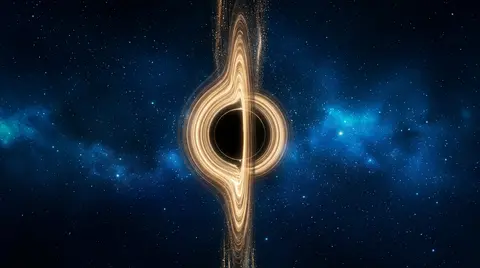
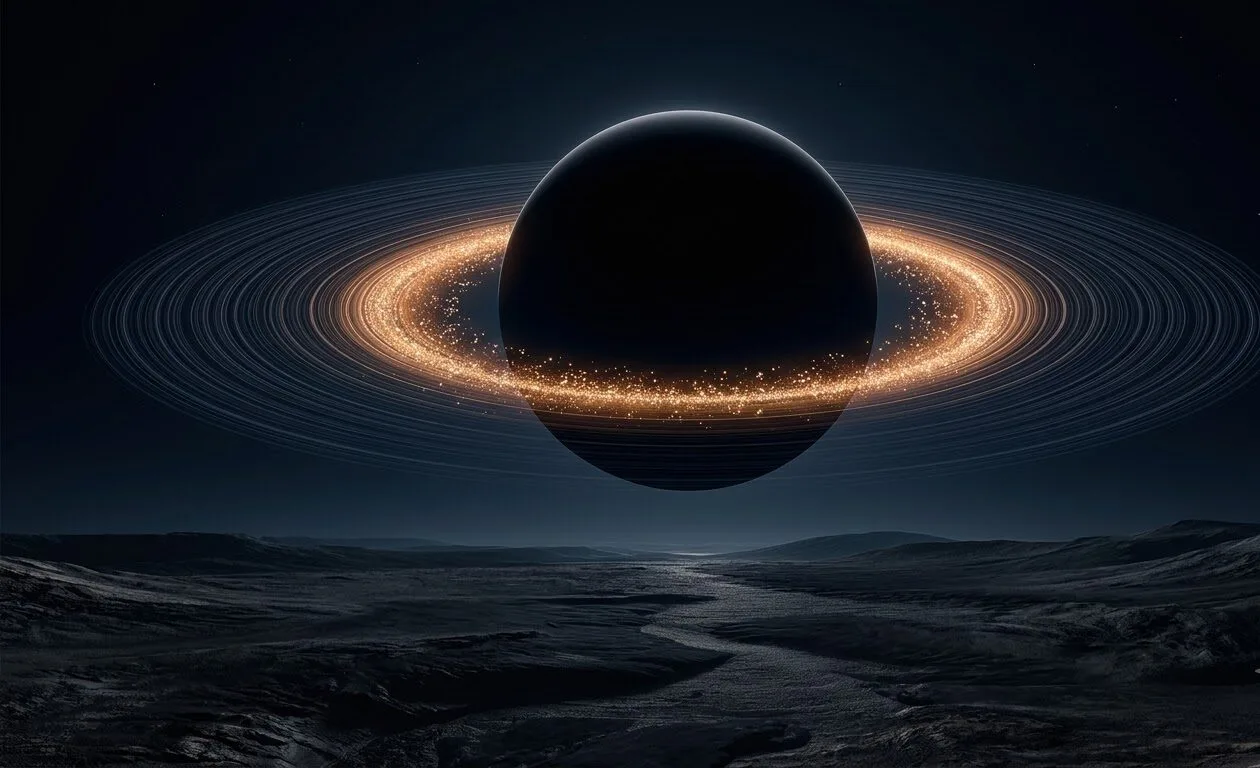
A dark, uncharted planet surrounded by luminous golden rings, suspended above what appears to be an alien landscape. The rings are the visual anchor here, glowing with a warm amber light that contrasts sharply against the deep blacks of the planet's shadow side. The composition is deliberately sparse, with the planet occupying the center and the landscape below providing just enough detail to establish scale without cluttering the scene.
The dark tones throughout make this exceptionally well-suited to OLED displays, where the blacks are truly black and the golden rings become the focal point with minimal pixel activation. The landscape band at the bottom provides a natural home for taskbar elements, and the upper sky stays dark enough for any system overlays. The JPEG format keeps the file lean, which matters if you are cycling through a large wallpaper collection and want fast load times.
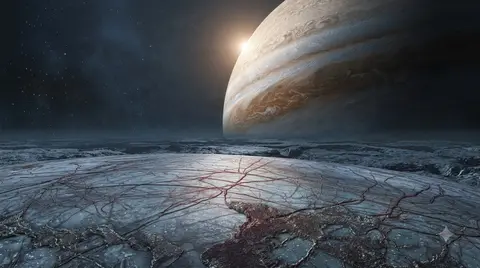
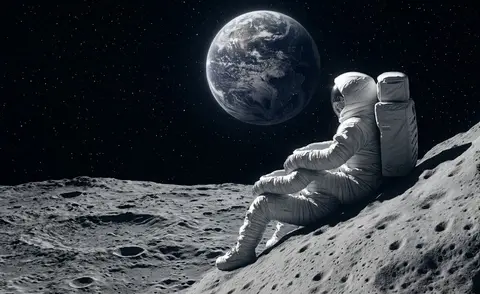
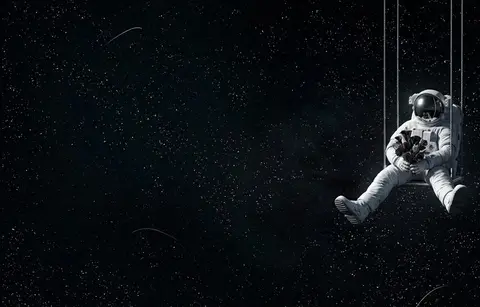
Science fiction fans and anyone who prefers a darker desktop aesthetic will appreciate the restraint here. This is not a busy cosmic panorama; it is a quiet, focused image that rewards the simplicity. It works well as part of a space-themed set alongside the Europa and astronaut wallpapers, or on its own as a moody accent in a minimalist setup.
How to set this wallpaper on your device
On iPhone or iPad
- Tap Download original above, or choose Mobile sizes for an iPhone-optimized pack.
- Save the image to your Photos app.
- Open Photos, tap the image, then tap Share → Use as Wallpaper.
- Pinch to adjust the position, then tap Set and choose Lock Screen, Home Screen, or Both.
On Android
- Download the wallpaper by tapping Download original or Mobile sizes.
- Open the image in your gallery app.
- Tap the menu (three dots) and select Set as wallpaper.
- Choose Home screen, Lock screen, or both, then confirm.
On Windows
- Download the wallpaper — tap Desktop sizes for a 1080p, 2K or 4K version.
- Right-click the downloaded file and select Set as desktop background.
- Alternatively, go to Settings → Personalization → Background and browse to the file.
On macOS
- Download the wallpaper — tap Desktop sizes for a resolution-matched version.
- Open the image and right-click, or open System Settings → Wallpaper.
- Select Set Desktop Picture and choose your display.
Not sure which size to pick? The original download works at any resolution, but for the sharpest result match your screen. Our upscale guides walk through exact resolutions for every popular device, or use the Pinterest image upscaler to generate custom sizes from this or any other image.
Why this wallpaper works on your screen
The image is near-widescreen 3:2 at 1260×768, and its dominant tones lean midnight blue — a good match for a 3:2 laptop like many MacBooks, or a standard monitor. Widescreen wallpapers like this one sit cleanly on monitors and laptops without letterboxing or stretching. If your display is 4K, you can upscale this image for even sharper detail using the desktop sizes preset. Tap Desktop sizes to generate exact resolutions for your device without any cropping, or paste it into the Pinterest image upscaler for custom sizes.
Understanding this wallpaper's dimensions
This image measures 1260 pixels wide by 768 pixels tall, giving it a 1.64:1 aspect ratio.Being wider than it is tall, it's a landscape-oriented image — the standard format for desktop and laptop monitors where the horizontal axis is longer.
The file is a JPEG at 124 KB, which meansit's a lightweight download that loads quickly even on slower connections.
If you need this wallpaper at a different resolution — say, a specific iPhone model or an ultrawide monitor — the image upscaler can generate every common device size from this image in one download. The upscaled versions use the original as the source and fit it inside each target frame without cropping.