Published July 26, 2026 · Downloaded 8 times
About GTA VI
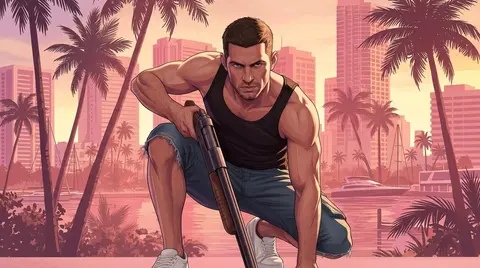
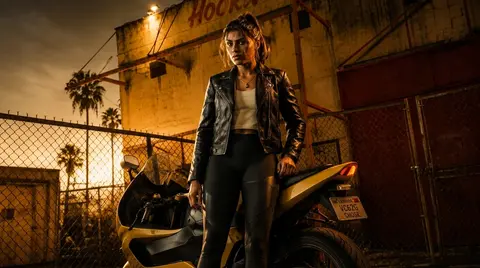
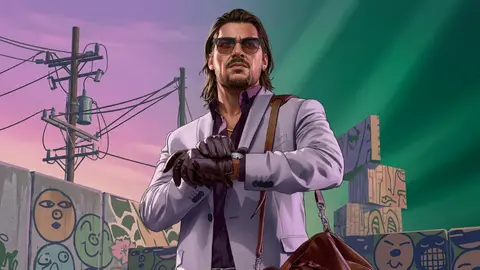
GTA VI wallpapers capture the neon-soaked energy of Vice City, featuring collage art, motorbikes, street silhouettes and the cast of the upcoming game. If you are counting down to release, these make for high-energy backgrounds that look right at home on a gaming monitor or an RGB-lit desk. The collection leans into bold colour and dramatic night-scene compositions.
5 GTA VI wallpapers live in the gallery — open the collection to browse them all.
- The collection features multiple GTA VI designs, including neon collage and Vice City night scenes.
- Neon and sunset palettes in GTA VI wallpapers look striking on OLED and HDR displays.
- The designs range from character art to atmospheric Vice City landscapes and collage compositions.
About this gaming wallpaper
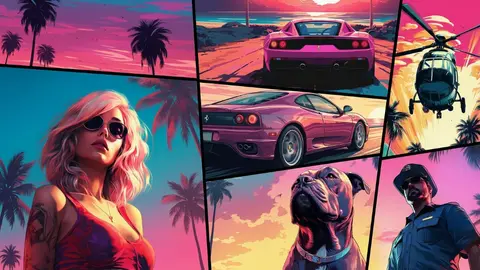
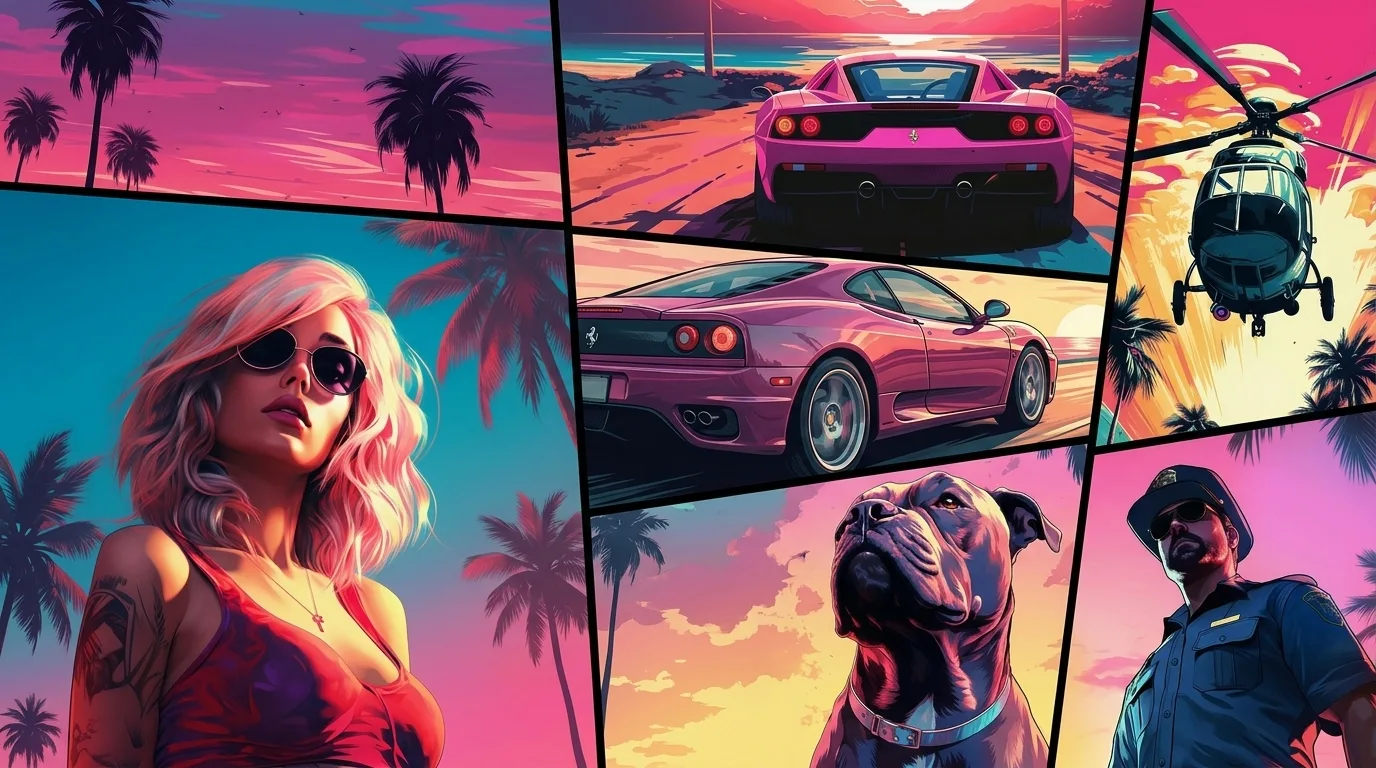
This collage stacks classic Vice City iconography into a single frame: a sports car angled beneath neon signage, a helicopter cutting across the upper third, a guard dog anchoring the foreground, and palm fronds threading between character portraits. The comic-book rendering style ties these elements together without letting any one scene dominate, and the saturated pinks and teals carry real punch at native resolution.
The palette leans heavily into deep purples and hot-pink neon, so the darker corners of the composition hold up well against light-colored UI elements. On an AMOLED panel the glow effects will pop against true black, though the busiest quadrant sits dead center, meaning notification banners or dock icons may compete for attention at smaller phone sizes.
GTA fans who prefer the series' visual identity over a single character shot will find this one rewarding. It works especially well on ultrawide or dual-monitor setups where the collage has room to breathe. Pair it with a dark theme launcher to keep the neon the star of the show rather than letting app icons flatten the effect.
How to set this wallpaper on your device
On iPhone or iPad
- Tap Download original above, or choose Mobile sizes for an iPhone-optimized pack.
- Save the image to your Photos app.
- Open Photos, tap the image, then tap Share → Use as Wallpaper.
- Pinch to adjust the position, then tap Set and choose Lock Screen, Home Screen, or Both.
On Android
- Download the wallpaper by tapping Download original or Mobile sizes.
- Open the image in your gallery app.
- Tap the menu (three dots) and select Set as wallpaper.
- Choose Home screen, Lock screen, or both, then confirm.
On Windows
- Download the wallpaper — tap Desktop sizes for a 1080p, 2K or 4K version.
- Right-click the downloaded file and select Set as desktop background.
- Alternatively, go to Settings → Personalization → Background and browse to the file.
On macOS
- Download the wallpaper — tap Desktop sizes for a resolution-matched version.
- Open the image and right-click, or open System Settings → Wallpaper.
- Select Set Desktop Picture and choose your display.
Not sure which size to pick? The original download works at any resolution, but for the sharpest result match your screen. Our upscale guides walk through exact resolutions for every popular device, or use the Pinterest image upscaler to generate custom sizes from this or any other image.
Why this wallpaper works on your screen
The image is widescreen 16:9 at 1376×768, and its dominant tones lean magenta pink — a good match for a 16:9 laptop, desktop monitor or smart TV. Widescreen wallpapers like this one sit cleanly on monitors and laptops without letterboxing or stretching. If your display is 4K, you can upscale this image for even sharper detail using the desktop sizes preset. Tap Desktop sizes to generate exact resolutions for your device without any cropping, or paste it into the Pinterest image upscaler for custom sizes.
Understanding this wallpaper's dimensions
This image measures 1376 pixels wide by 768 pixels tall, giving it a 1.79:1 aspect ratio.Being wider than it is tall, it's a landscape-oriented image — the standard format for desktop and laptop monitors where the horizontal axis is longer.
The file is a JPEG at 791 KB, which meansit's a moderate size — a good balance between image quality and download speed.
If you need this wallpaper at a different resolution — say, a specific iPhone model or an ultrawide monitor — the image upscaler can generate every common device size from this image in one download. The upscaled versions use the original as the source and fit it inside each target frame without cropping.